
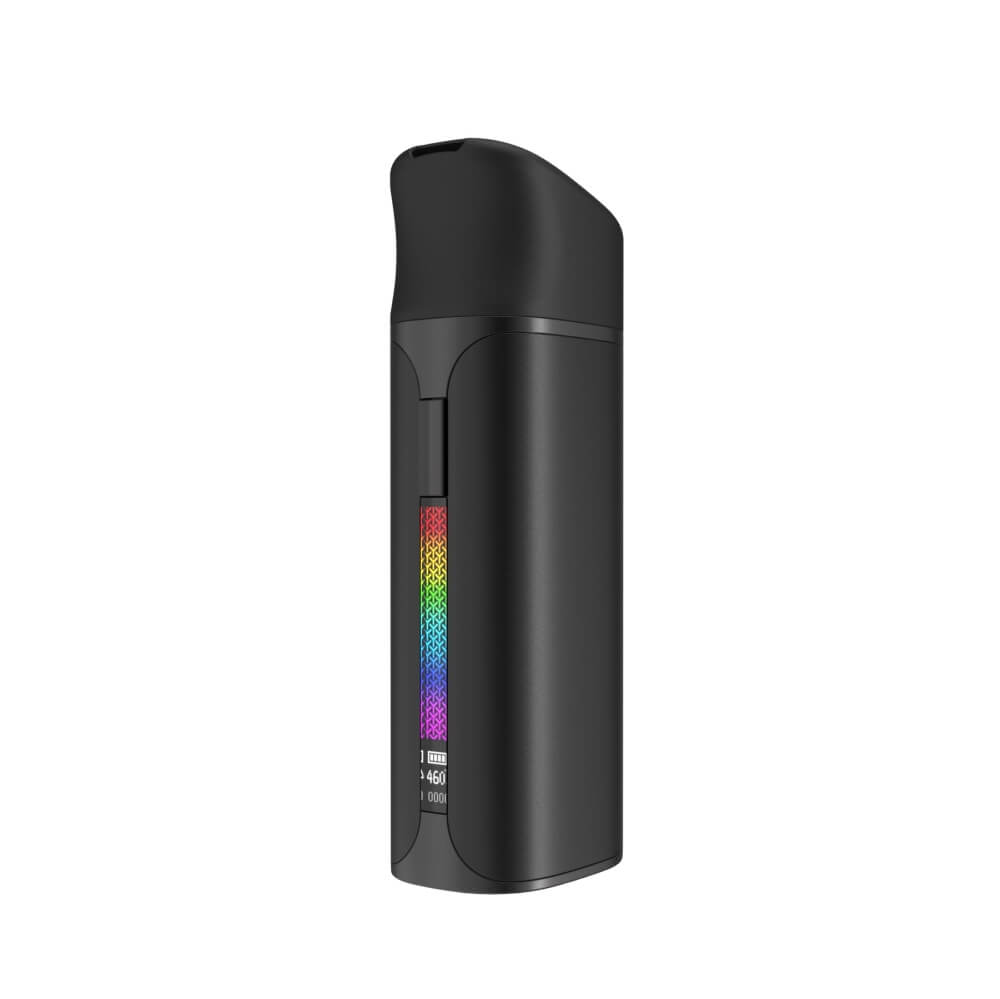
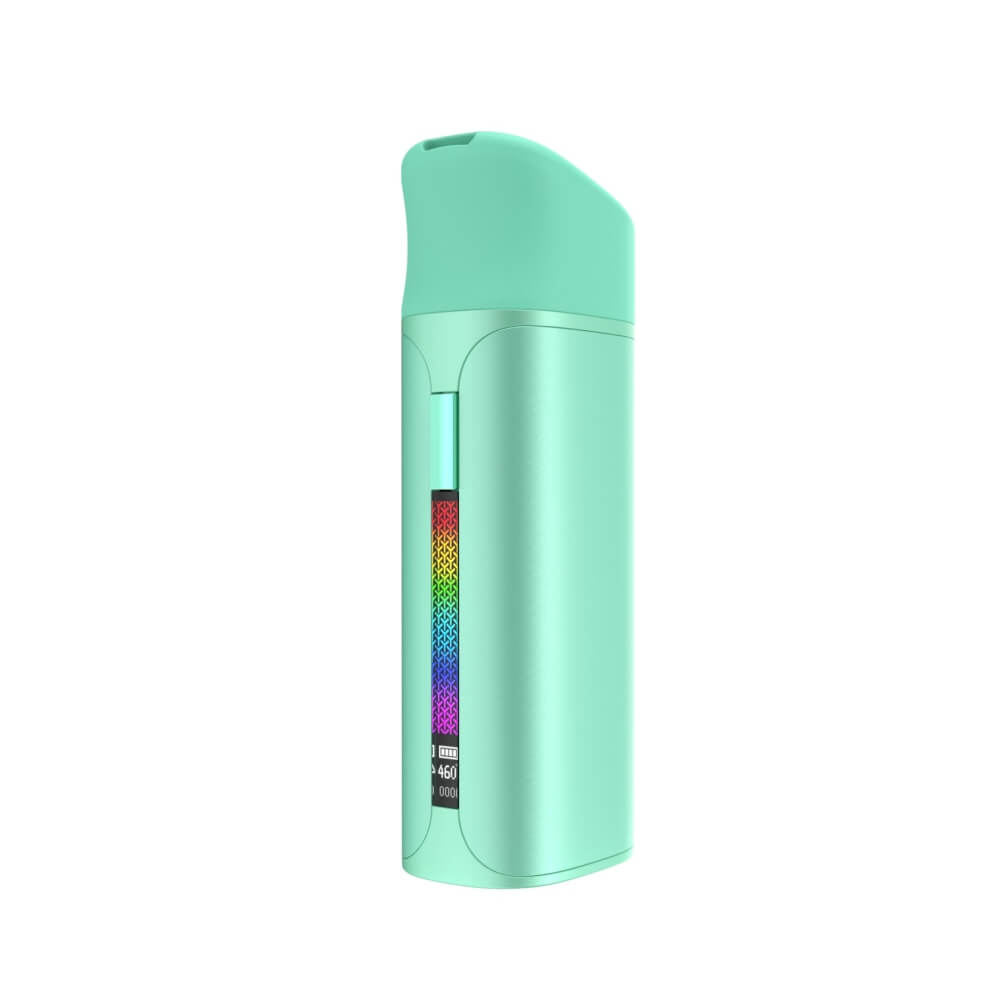
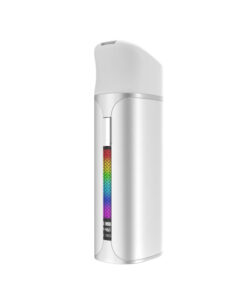
Yocan Black Pocket Concentrate Vaporizer
USD $89.99 USD $59.95
The Yocan Black Pocket Concentrate Vaporizer is a premium pocket-sized wax vape built for serious concentrate enthusiasts. Featuring a fully ceramic Cloud 3.1 Chamber with 360-degree heating, precise 1-degree temperature increments from 400°F to 580°F, and a built-in glass pearl stirrer, it delivers clean, flavorful vapor on every draw. Its alloy body is lightweight and durable, and a 90-minute USB-C charge delivers up to 15 sessions.
Fast Shipping
Warranty
We are an Authorized Reseller
Full warranty included
Description
Yocan Black Pocket: Precise Temperature Control in Your Pocket
The Yocan Black Pocket, often just called the Yocan Pocket, is a pocket-size concentrate vaporizer from Yocan’s premium Yocan Black line, with a 360° Cloud 3.1 ceramic chamber, temperature control from 400°F to 580°F, glass stir pearls, an OLED screen and a 1400mAh battery.
Authorized Yocan retailer · Genuine Yocan product · Live USD price: $59.95
Price checked October 6, 2026

“The value for the money is spot on.”
— Jennifer, Customer Service, City Vaporizer
Jennifer tested the Yocan Pocket in the tech lab at our office and enjoyed using it more than some of the more expensive units she has tried.
Yocan Pocket Button Controls
| Press | What it does |
|---|---|
| 5 quick presses | Turn on or off |
| 2 presses | Start the 10-second preheat and session (press 2 again to stop early) |
| 3 quick presses | Enter temperature mode, then press once per step (400–580°F) |
| 4 presses | Set the session timer, then press once per step (15–60 seconds) |
How to Use the Yocan Pocket
- Charge it fully with the included USB-C cable before your first use.
- Turn it on: press the button 5 times quickly.
- Load: lift the tethered cap, add a small, rice-grain sized dab with the dab tool and drop in a glass stir pearl.
- Set your temperature: press 3 times, then step up or down until the screen shows the setting you want.
- Preheat: press twice. The Pocket vibrates when it reaches temperature.
- Inhale gently through the mouthpiece. The session ends on its own, or press twice to stop early.
Yocan Pocket Temperature Guide
| Temperature | Best for | What to expect |
|---|---|---|
| 400–460°F | Flavor | Smooth, tasty hits; the most terpene flavor |
| 470–530°F | Everyday use | Balanced flavor and vapor |
| 540–580°F | Big clouds | More vapor; can taste harsher |
These are starting points. Every concentrate is different, so adjust in small steps.
Screen and Vibration Alerts
- OLED screen: shows temperature, battery level, session time and error alerts.
- Vibrations: confirm power on and off, preheat start, ready to use and session end.
Yocan Pocket Troubleshooting
| Problem | Likely cause | Fix |
|---|---|---|
| Screen says NO ATOMIZER or it will not heat | Poor contact between the chamber and the battery | Clean both contacts with a dry or isopropyl alcohol cotton swab, let them dry and seat the chamber firmly |
| Leaking or spilling | Too much concentrate | Load a rice-grain sized dab and use the stir pearl |
| Weak vapor | Temperature too low or chamber dirty | Raise the temperature a few steps and clean the chamber |
| Harsh taste | Temperature too high or residue build-up | Lower the temperature and wipe the chamber after each session |
Cleaning the Yocan Pocket
- Turn it off and let it cool before cleaning.
- After each session, wipe the chamber with a dry cotton swab.
- Now and then, clean the chamber and contacts with a cotton swab and a little isopropyl alcohol. Let everything dry before using it again.
- Wipe the body with a dry cloth.
Yocan Pocket Specifications
| Spec | Yocan Black Pocket |
|---|---|
| Temperature | 400°F–580°F in 1° steps |
| Chamber | Cloud 3.1, 100% ceramic, 360° heating, 12 × 10 mm |
| Stirring | Glass stir pearls (3mm) |
| Battery | 1400mAh, about 10–15 sessions per charge |
| Charging | USB-C, about 90 minutes |
| Preheat | 10 seconds |
| Session timer | 15–60 seconds |
| Display | OLED screen with haptic feedback |
| Size | 34.4 × 26 × 93.2 mm |
| Body | Alloy, tethered cap |
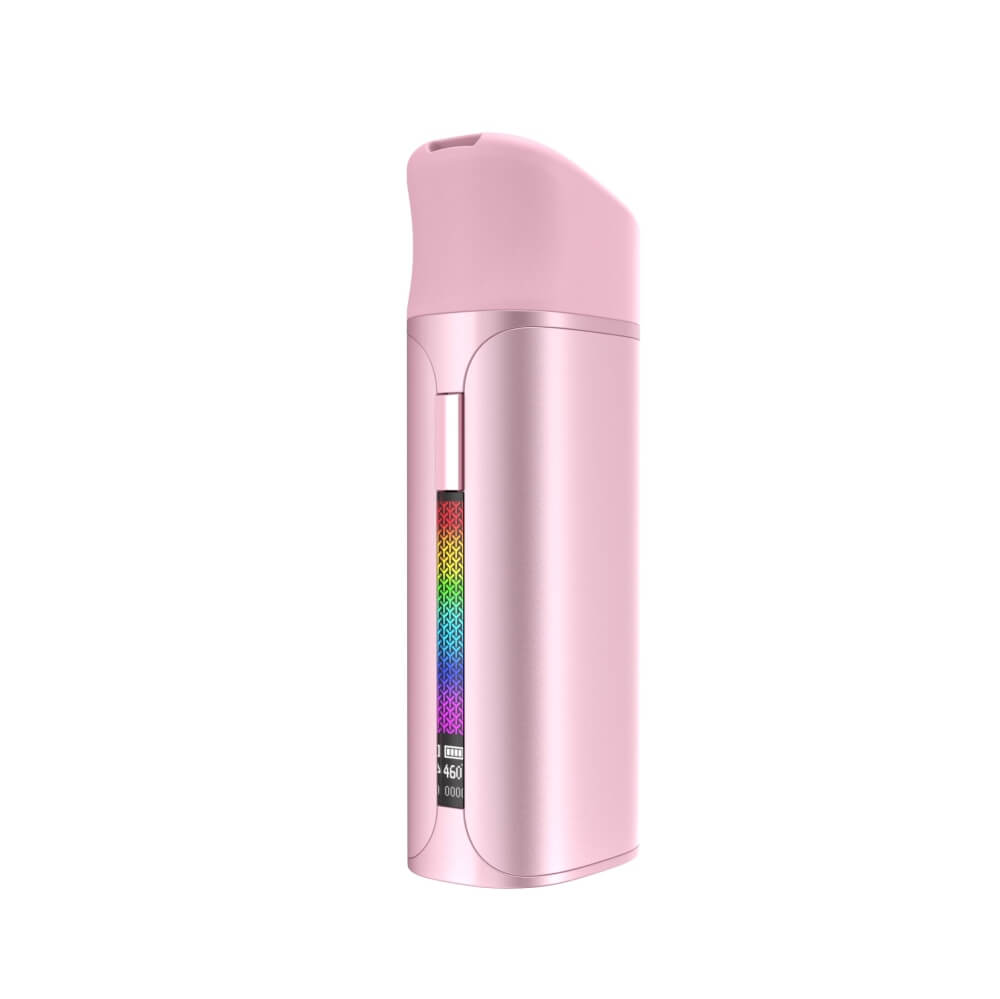
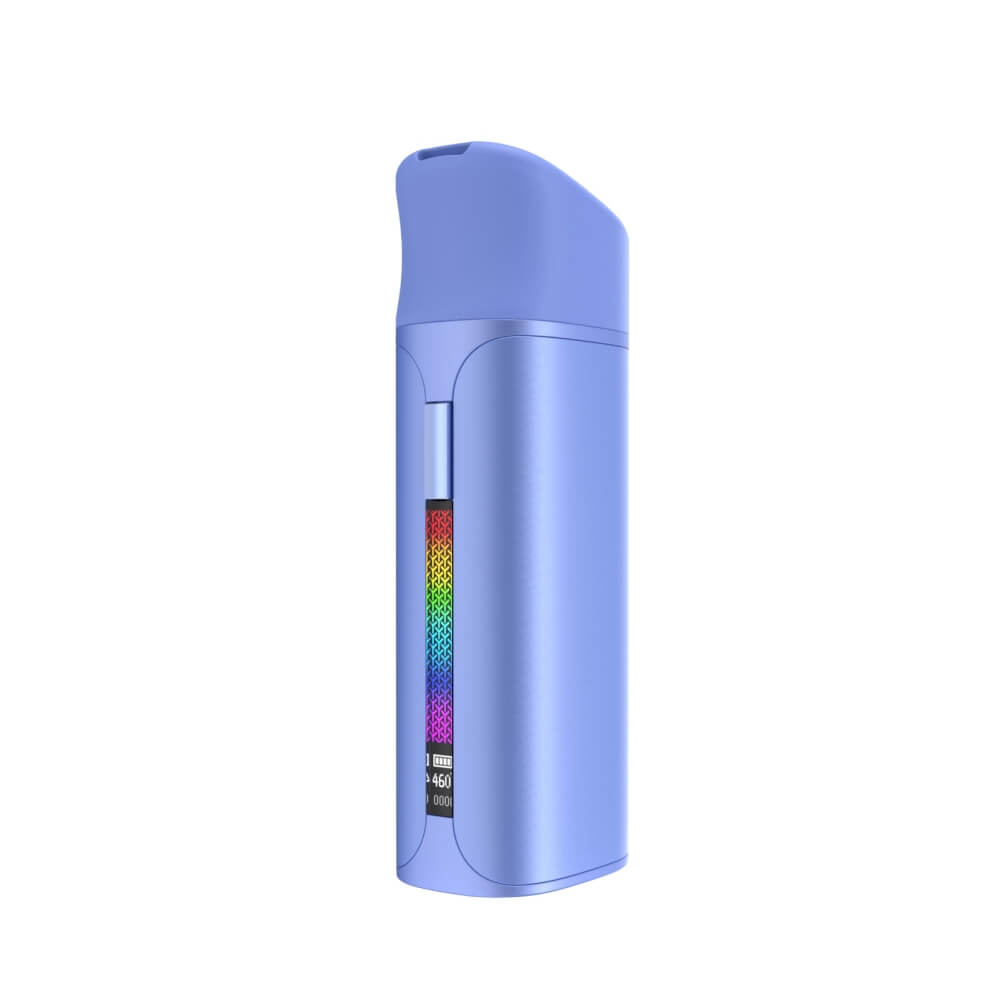
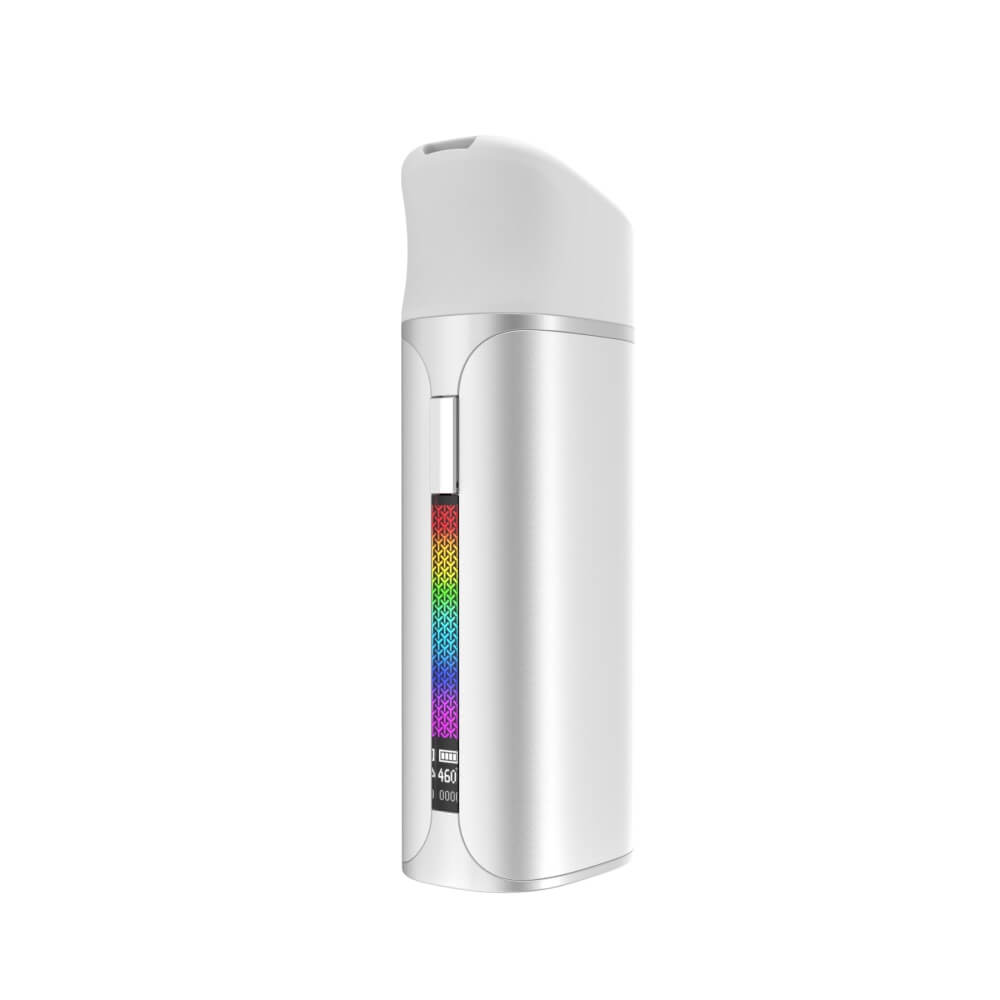
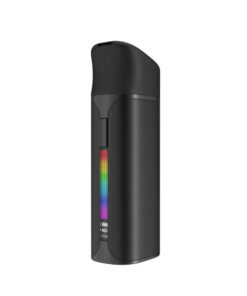
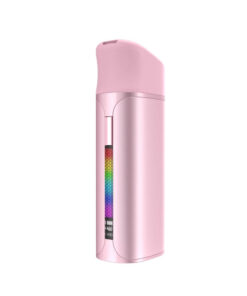
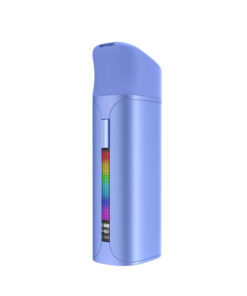
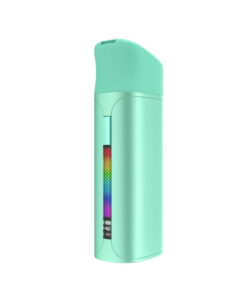
| Colors | Jet Black, Blossom, Mint, Quick Silver, Sky Blue |
What’s in the Box
- 1 × Yocan Black Pocket
- 1 × Cloud 3.1 ceramic chamber
- 12 × Glass stir pearls
- 1 × USB-C charging cable
- 4 × Q-tips
- 1 × Dab tool
- 1 × User manual
Yocan Black Series Compared
| Feature | Yocan Black Pocket | Yocan Black Phaser ACE 2 | Yocan Black Phaser MAX 2 | Yocan Black SIP | Yocan Black GO |
|---|---|---|---|---|---|
| Device type | Pocket wax vaporizer | Wax pen / dab pen | E-rig | E-rig (cup design) | E-rig (water bottle design) |
| Heating element | Cloud 3.1 ceramic chamber | Cloud 2 ceramic chamber | Cloud 2 ceramic chamber | Cloud 2 ceramic chamber | Cloud 2 ceramic chamber |
| Temperature range | 400°F–580°F | 440°F–660°F | 440°F–660°F | 440°F–660°F | Variable voltage |
| Glass pearl stirrer | Included | Not included | Not included | Not included | Not included |
| Water filtration | No | No | Yes, built-in bubbler | Yes, glass bubbler | Yes, built-in water system |
| Display | OLED screen | OLED screen | OLED screen | RGB lights + indicators | Not specified |
| Battery | 1400mAh (up to 15 sessions) | 2100mAh (up to 30 sessions) | 2100mAh (up to 30 sessions) | 1800mAh (up to 23 sessions) | Not specified |
| Charge time | About 90 minutes | About 2.5 hours | About 2.5 hours | Not specified | Not specified |
| Form factor | True pocket size | Pen / handheld | Pistol grip e-rig | Cup-shaped e-rig | Water bottle e-rig |
| Best for | On-the-go portability and precise flavor | Everyday portable dabbing | Home and semi-portable sessions | Discreet home or social use | Discreet portable e-rig use |
Yocan Pocket FAQ
Is the Yocan Pocket the same as the Yocan Black Pocket?
Yes. Yocan sells the Pocket under its premium Yocan Black line, so you will see it called the Yocan Pocket, the Yocan Black Pocket and the Yocan Black Pocket Concentrate Vaporizer. They are the same device. It is one of the newest concentrate vaporizers in the Yocan Black series.
What concentrates can I use with the Yocan Pocket?
It is designed for wax concentrates such as shatter, budder, crumble and live resin. It is not made for dry herb or liquid oils.
How long does the Yocan Pocket battery last?
The 1400mAh battery is rated for about 10 to 15 sessions per charge. Occasional users can get 4 to 5 days from a charge, and heavier daily users about 1 to 2 days. It charges by USB-C in about 90 minutes.
What is the glass pearl stirrer for?
The included 3mm glass pearls sit in the chamber and keep the melted concentrate moving, so it vaporizes evenly with less pooling and leftover residue.
Is the Yocan Pocket the same as other Yocan wax pens?
No. The Pocket belongs to the premium Yocan Black line, with 1-degree temperature control, a Cloud 3.1 ceramic chamber and an alloy body. It is an all-in-one pocket concentrate vaporizer rather than a standard coil-based dab pen.
How does the Yocan Pocket compare to an e-rig?
An e-rig is a larger electric dab rig with water filtration, built mostly for home use. The Pocket is a true pocket-size device built for portability and discretion; it has a smaller chamber but the same kind of ceramic heating.
Can I replace the chamber on the Yocan Pocket?
Yes. The Cloud 3.1 ceramic chamber is replaceable, so you can swap in a new one when flavor or vapor drops off.
How do I use the Yocan Pocket?
Charge it, then press the button 5 times quickly to turn it on. Lift the tethered cap, load a small dab and a stir pearl, and close the cap. Press twice to start the 10-second preheat; it vibrates when it is ready. Inhale gently through the mouthpiece. Press twice to end the session early, or let it end on its own.
How do I change the temperature on the Yocan Pocket?
Press the button 3 times quickly to enter temperature mode, then press once for each step until the screen shows the temperature you want, from 400°F to 580°F. Stop pressing and the setting locks in.
How do I set the session timer?
Press the button 4 times to enter the timer setting, then press once at a time to choose a session length between 15 and 60 seconds.
What temperature should I use on the Yocan Pocket?
Start low, around 400°F to 460°F, for the most flavor. Around 470°F to 530°F is a good balance of flavor and vapor, and 540°F to 580°F gives the biggest clouds. These are starting points; adjust to your concentrate.
Why does my Yocan Pocket say NO ATOMIZER?
It usually means the chamber is not making good contact with the battery. Remove the chamber, clean the contacts on the chamber and the device with a dry or isopropyl alcohol cotton swab, let them dry and seat the chamber firmly again.
Why is my Yocan Pocket leaking or spilling?
Overloading is the most common cause. Start with a rice-grain sized dab, use the stir pearl, and take gentle draws. Wipe the chamber with a dry cotton swab after each session once it has cooled.
What does the Yocan Pocket screen show?
The OLED screen shows the temperature, battery level and session time, plus error alerts. The device also vibrates to confirm power on and off, preheat start, ready to use and session end.
Is City Vaporizer an authorized Yocan retailer?
Yes. City Vaporizer is an authorized Yocan retailer, so your Yocan Pocket is genuine and covered by the manufacturer warranty.


Michael W. –
It hits soooo smoothly 🙂 Would buy again…
Ryan –
Value wise – it does the job and does it well. The occasional spill but that may be my own fault. I’m not gentle with stuff.. Cant overload it!