
Puffco New Proxy
USD $250.00 USD $207.95
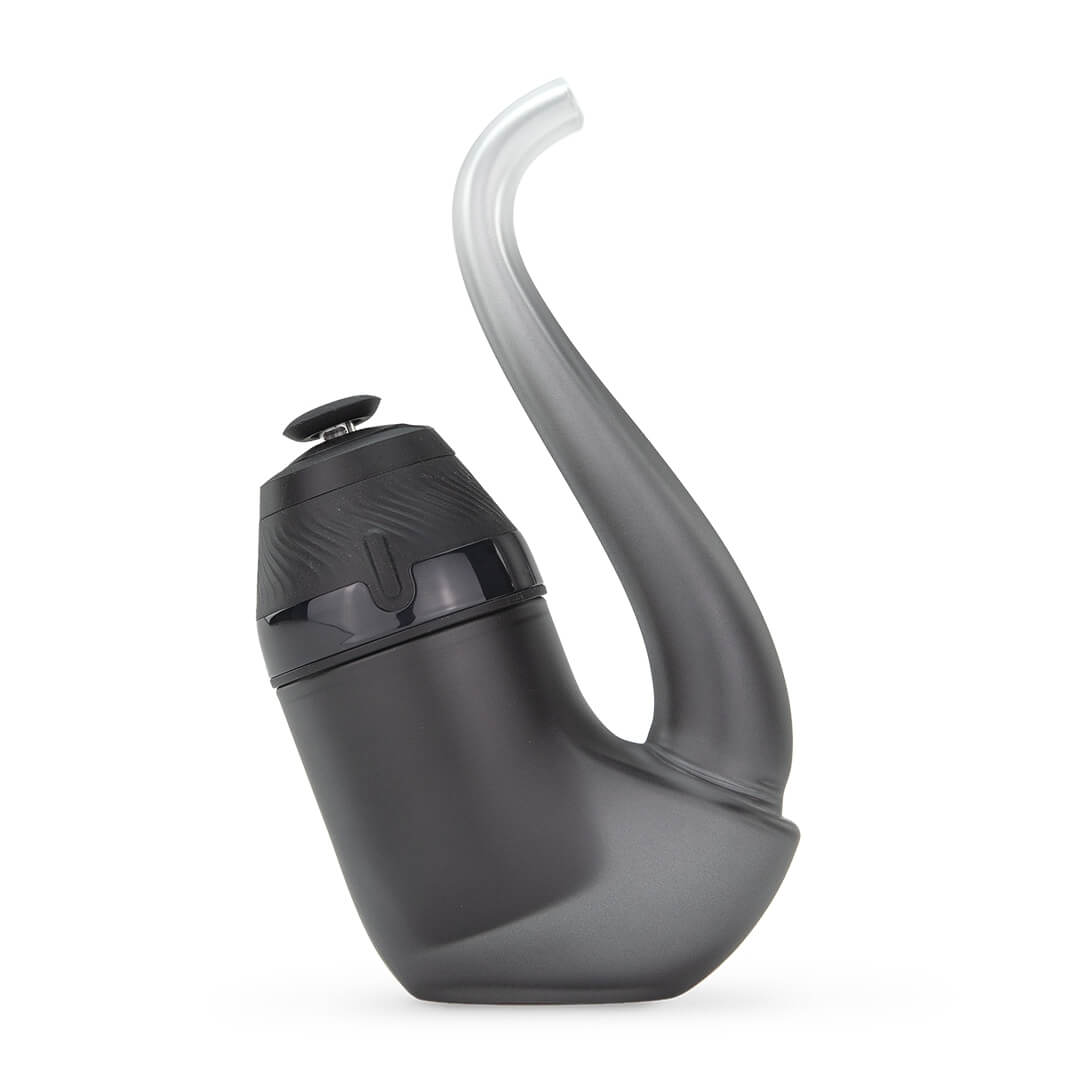
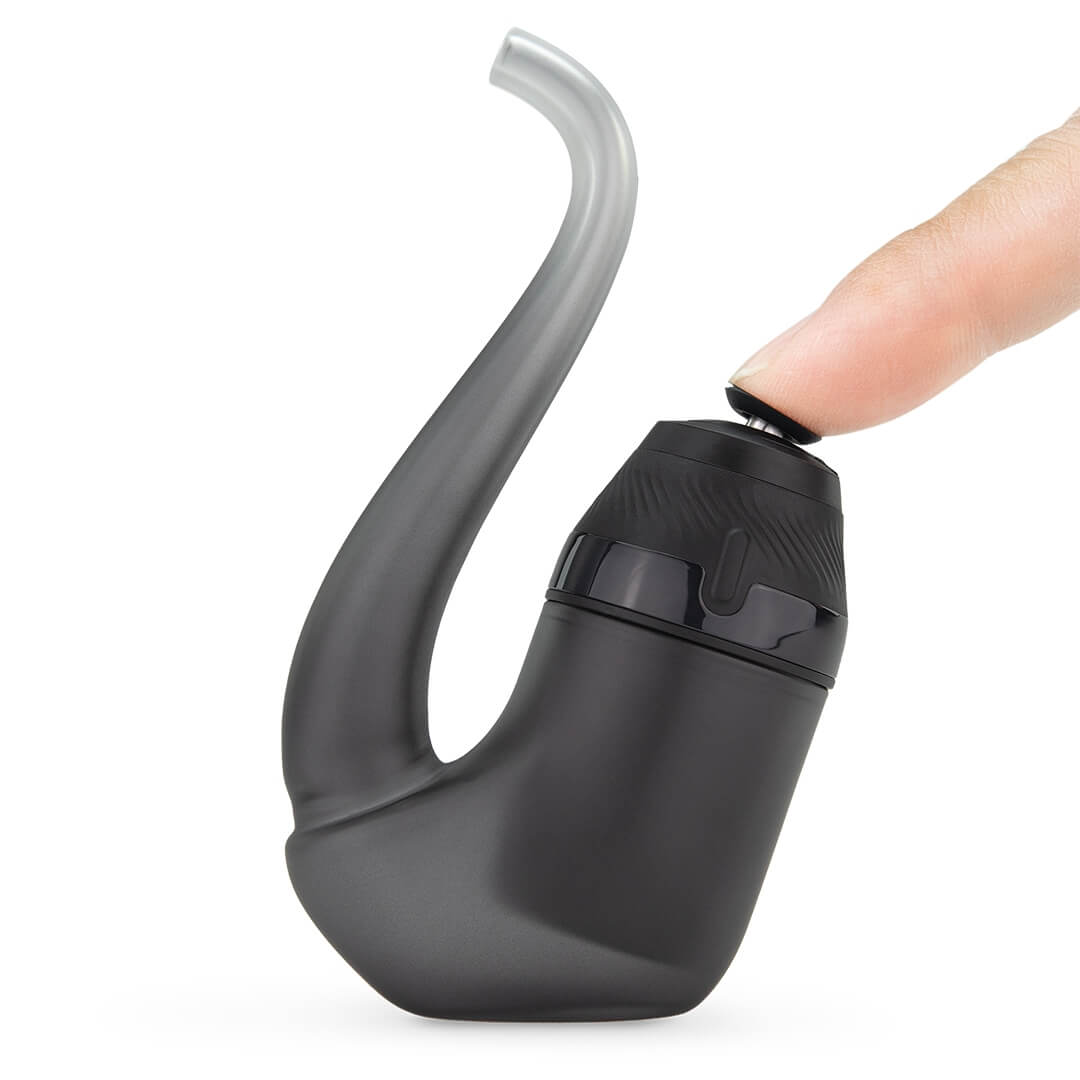
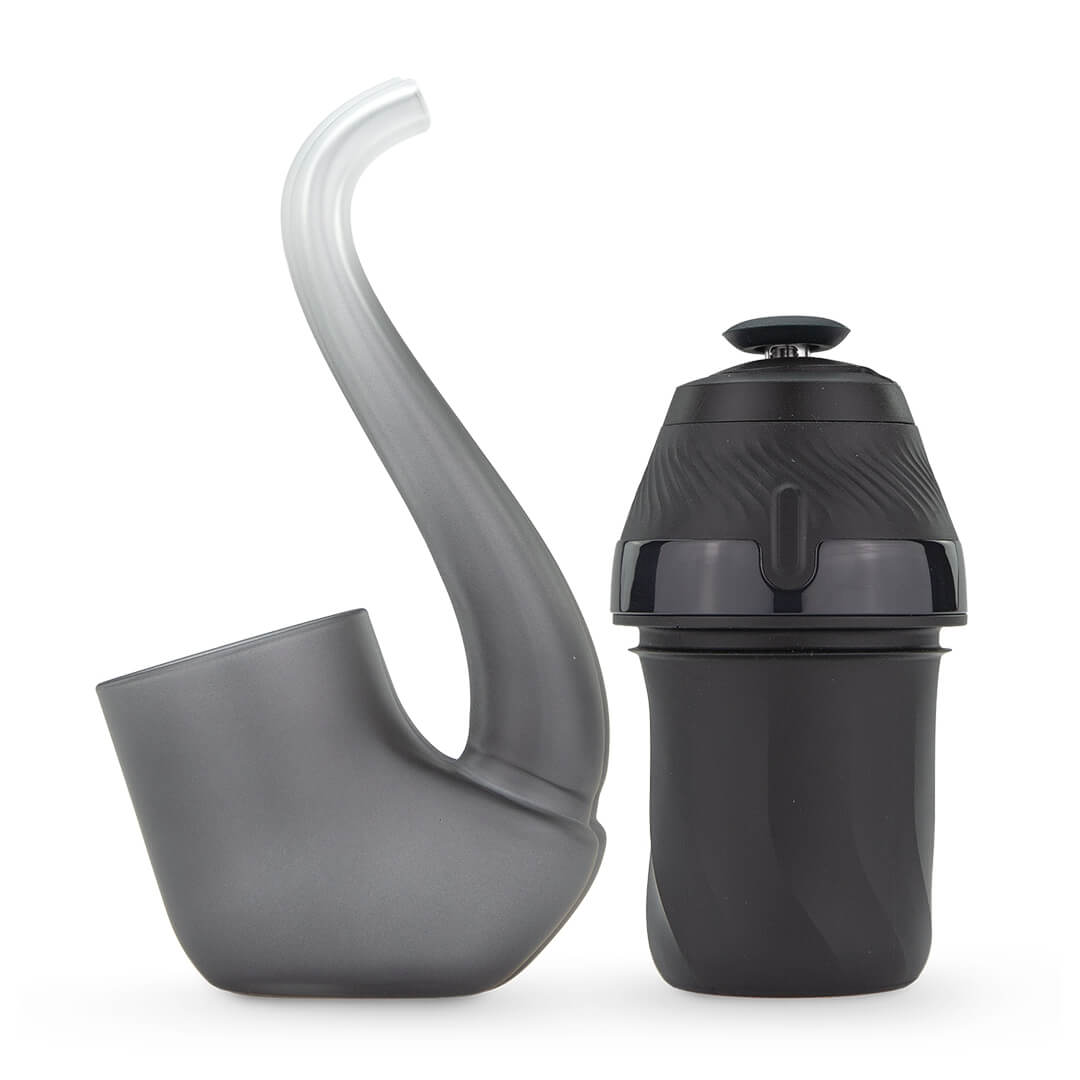
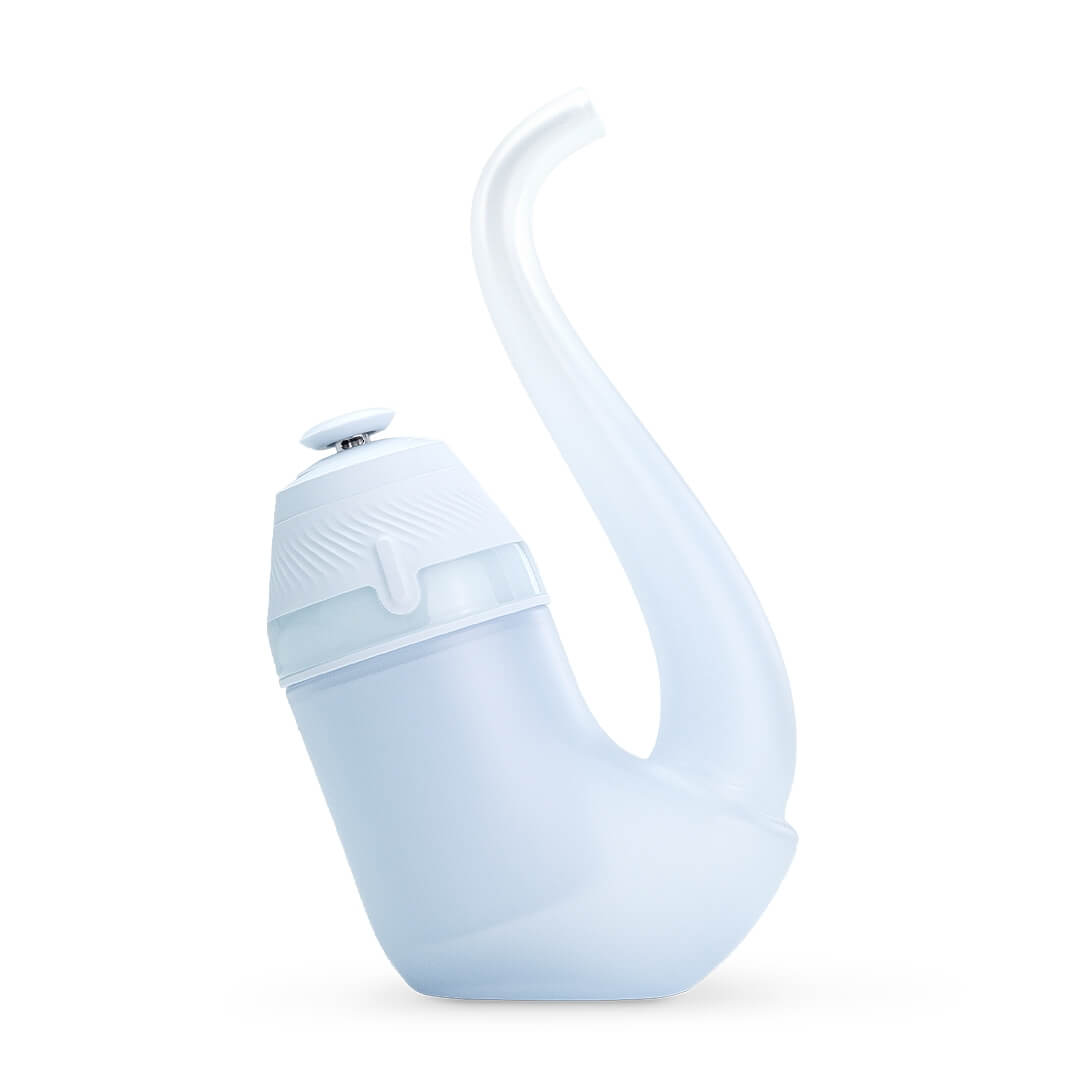
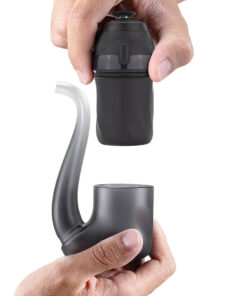
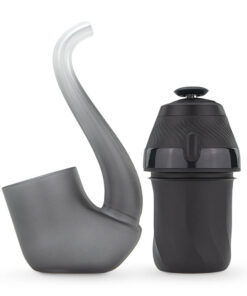
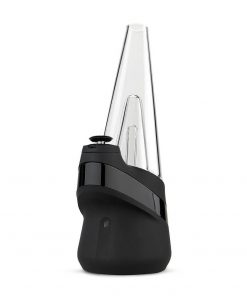
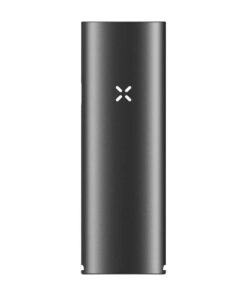
Meet the Puffco New Proxy. With over 10 years of technology experience, Puffco improved the programming. The Proxy you know has changed for a better experience- It’s simple, powerful, and easy to use. Load, click, and enjoy. The New Proxy features an upgraded 3D Chamber and comes with the Proxy Pipe. Available in two colors, with USB-C Passthrough charging.
Fast Shipping
Warranty
Full Warranty Included
Description
Puffco New Proxy Modular Vaporizer – New 3D Chamber
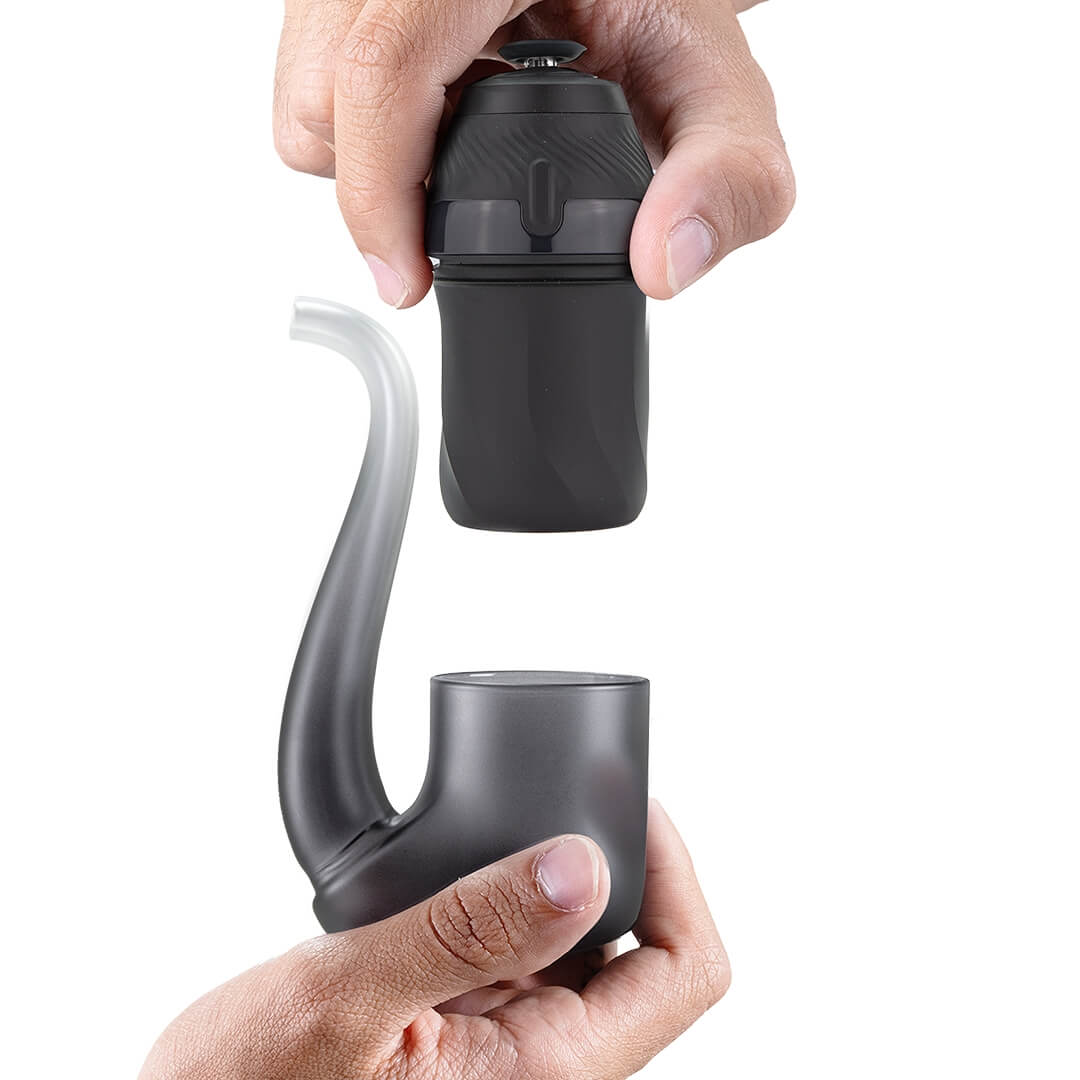
Discover the Puffco New Proxy, the new addition to the Proxy collection. Now smoother, smarter, and more powerful. A new shape and modular design provide cleaner, bigger hits with a more comfortable feel in your hand. With a new Proxy 3D Chamber, you will get better flavor, bigger dabs, and less splashback. It also comes with Proxy accessories.
With Bluetooth, you can use the Puffco Connect App. It allows you to adjust the session time, temperature, vapor level, and light colors. A longer battery life means more time to enjoy, and the Puffco New Proxy works with all Proxy pieces and glass.
Features
- New 3D Chamber
- Compatible with Puffco Connect App
- Temperature control in real time
- USB-C Charging with Passthrough
- Adaptable and versatile
Includes
- 1x Puffco New Proxy Base with Upgraded 3D Chamber
- 1x Puffco New Proxy Pipe
- 1x Joystick Cap
- 1x Loading Tool
- 1x USB-C Cable
- 1x 4-pack of Cotton Swabs
- 2-year warranty for Proxy Base
Colors
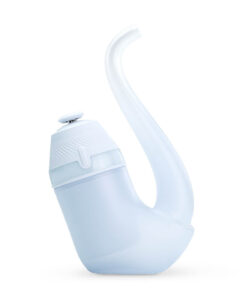
Available in two colors: Onyx (black) and Haze (white). The Onyx Proxy Modular Vaporizer comes with a black frosted Proxy glass pipe. The Haze Proxy Modular Vaporizer comes with a white frosted glass Proxy Pipe that has a greyish-blue tint.
Boost Mode
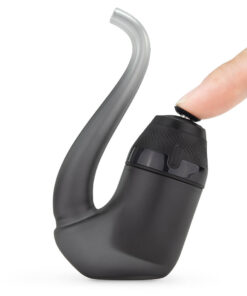
Double-click the button to start heating the New Puffco Proxy. Flashing lights show that the unit is heating. The light will flash and vibrate three times when the device is ready. Now, you can inhale.
Click the button twice to enter boost mode, which turns up the heat and makes your session longer. Do not start the heat-up process more than 4 times in a row.
New 3D Chamber
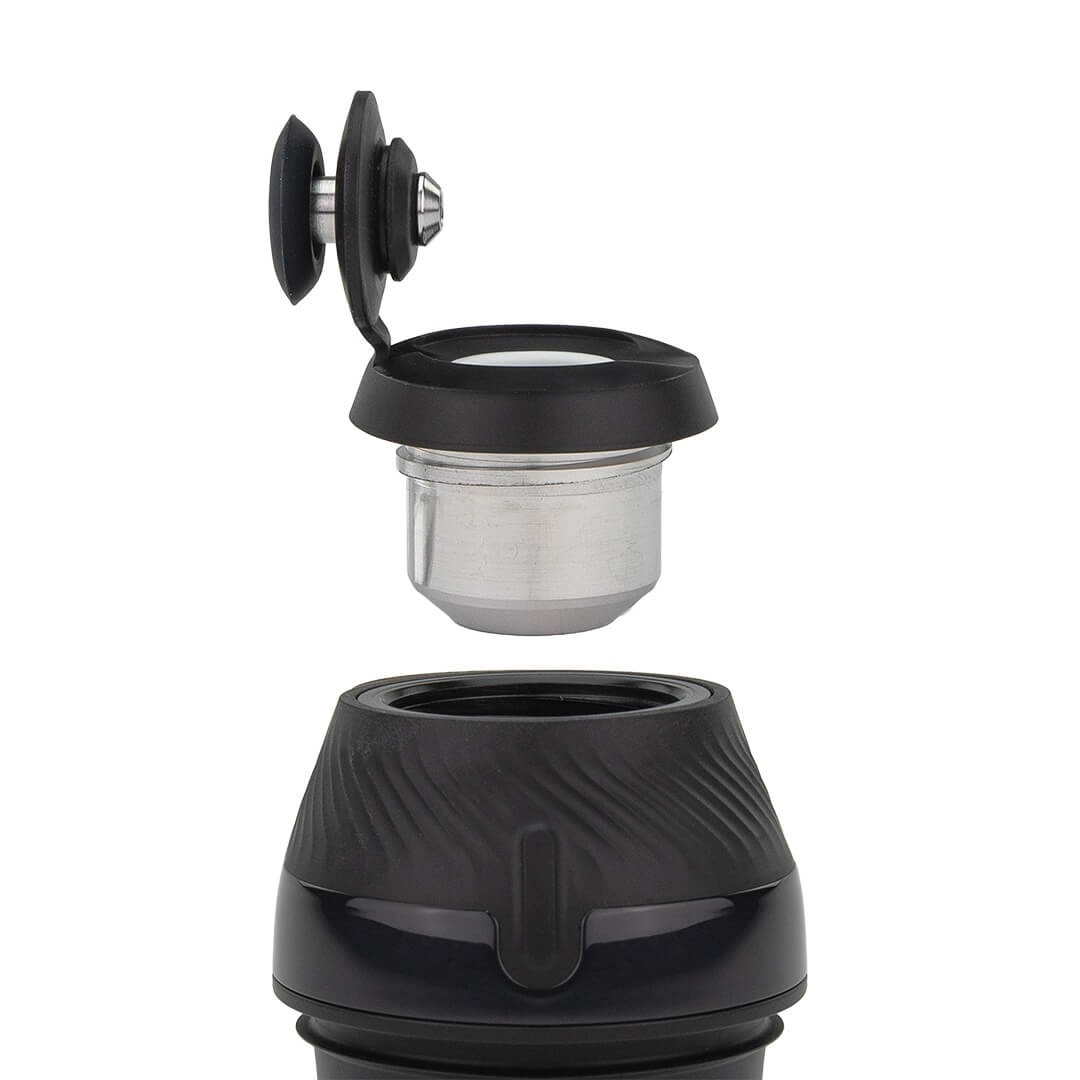
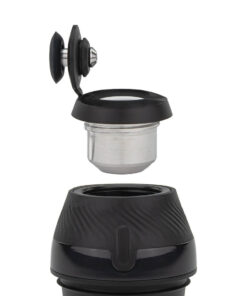
The New 3D Chamber is taller, bigger, allows for more product, and minimizes splash-out. Its technology provides a clean flavor and bigger dabs.
Quick Start
Quick Start
- Charge the New Puffco Proxy to 100% battery. This takes about 1.5 hours.
- To unlock and turn on the device, hold down the button for 3 seconds.
- The New Proxy has 4 different heat settings: Blue = lowest, White = highest. Click the button once to change settings.
- A cold load works best; put your hash or other concentrates inside the device before heating. Do not overpack to avoid reclaim getting to the base.
- Put the Joystick Carb Cap on top of the 3D Chamber and press down so it is secure.
- Double-click the button to start heating the Puffco New Proxy. Flashing lights show that the unit is heating.
- The light will flash and vibrate three times when it is ready. Now, you can inhale. Click the button twice to enter boost mode.
- Make sure to clean the Carb Cap and Chamber after every use. Especially if you’re thinking, “Should I clean my Proxy?” It’s probably time. Wipe the chamber in circular motions. Avoid applying strong force when you are cleaning. You’ll want to remove the base and submerge the glass in isopropyl alcohol. (Make sure the glass is soaked in 90 isopropyl alcohol.) Avoid using any other cleaning solutions or abrasive materials to clean the glass; soaking will be sufficient. After soaking, rinse. Allow the glass to fully dry before reassembling.
- Press the button down for 3 seconds. This turns off and locks the Proxy. Do not store the device while hot.
Demo Video
Demo Video
Video by Bigschmoke
Helpful Resources
Helpful Resources
- Puffco New Proxy User Manual
- Puffco Support – For Warranty and Questions – Submit a Support Ticket
- City Vaporizer – Submit a Retailer Support Ticket
Tech Specs
Tech Specs
|
Power Supply |
Built-in Battery with USB-C Passthrough |
|
Battery Life |
15 uses per charge |
|
Heat Time |
~15 seconds |
|
Heat Style |
Conduction |
|
Temperature |
~505˚F – ~565˚F |
|
Use With |
Concentrates |
|
Warranty |
2 years (base only) |
Last Updated on September 24, 2026 at 1:09pm



johnfc0131 –
Unbeatable price and reliable shipping 🙂
Saskia M –
so excited for the bigger chamber and new glass!