

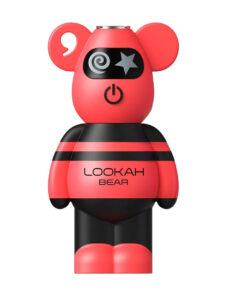
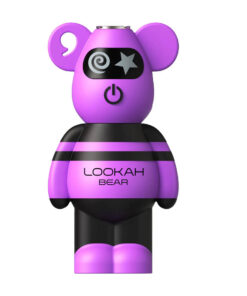
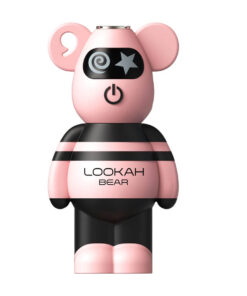
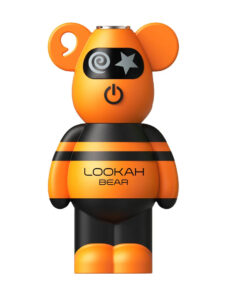
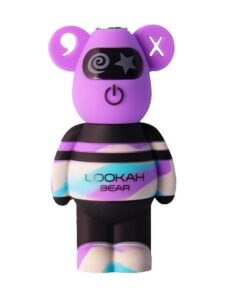
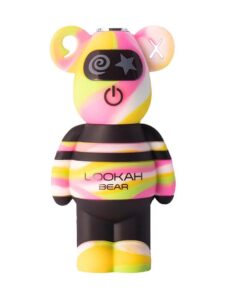
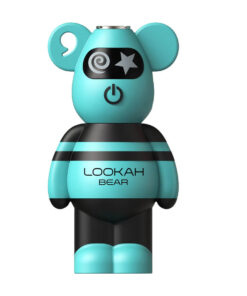
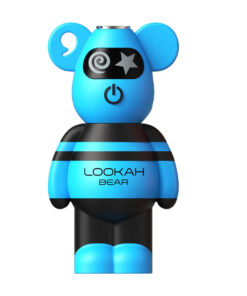
Lookah Bear 510 Battery
USD $29.99 USD $19.99
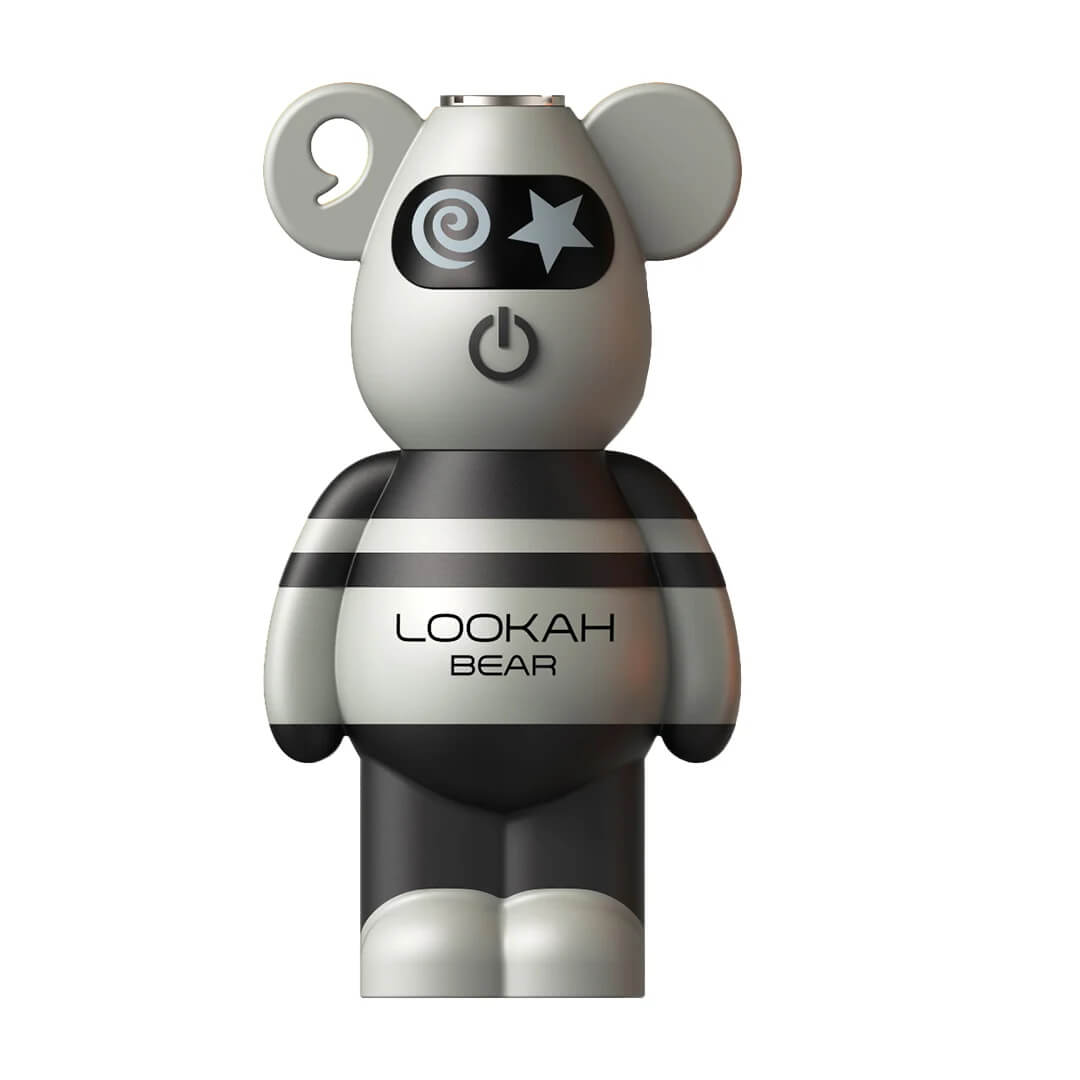
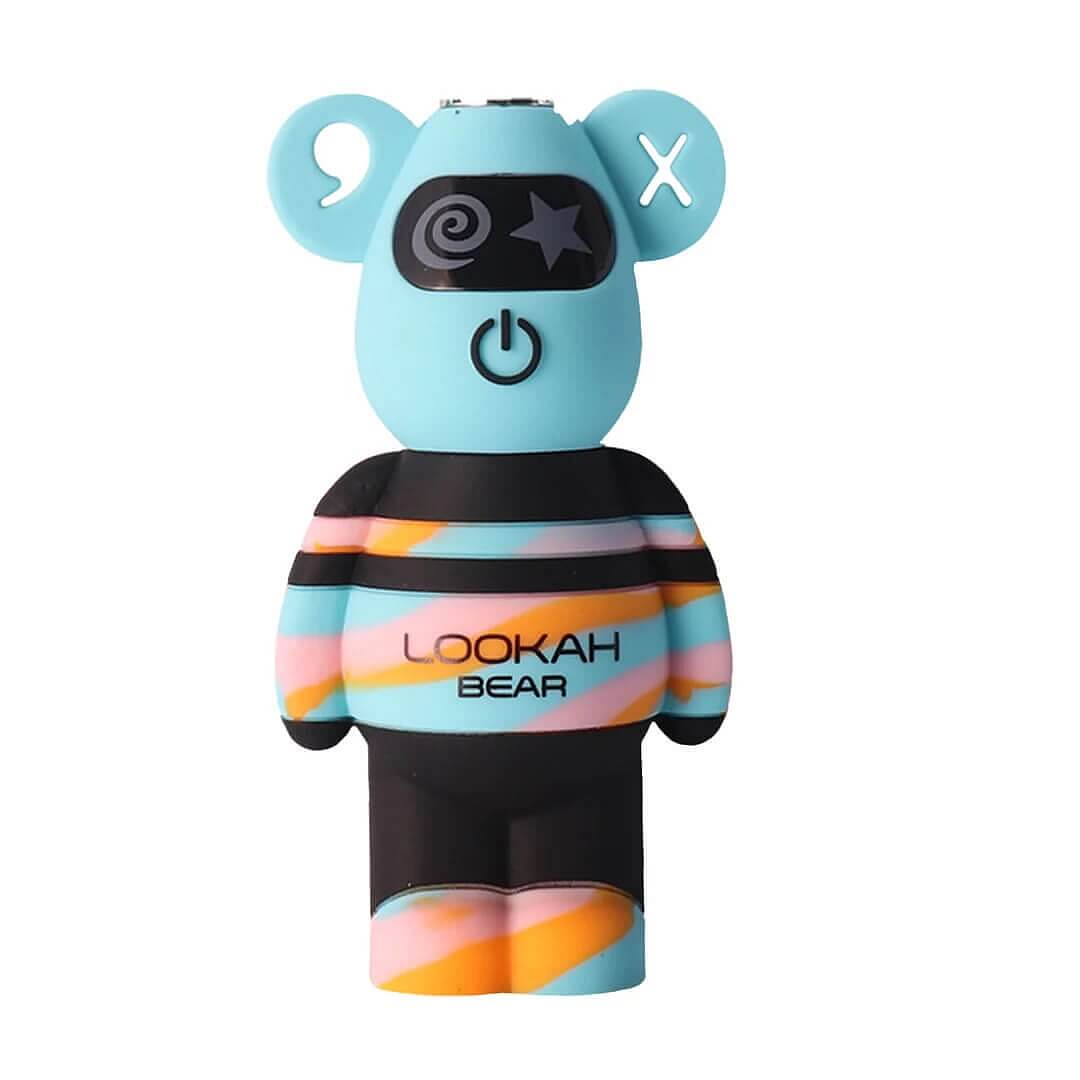
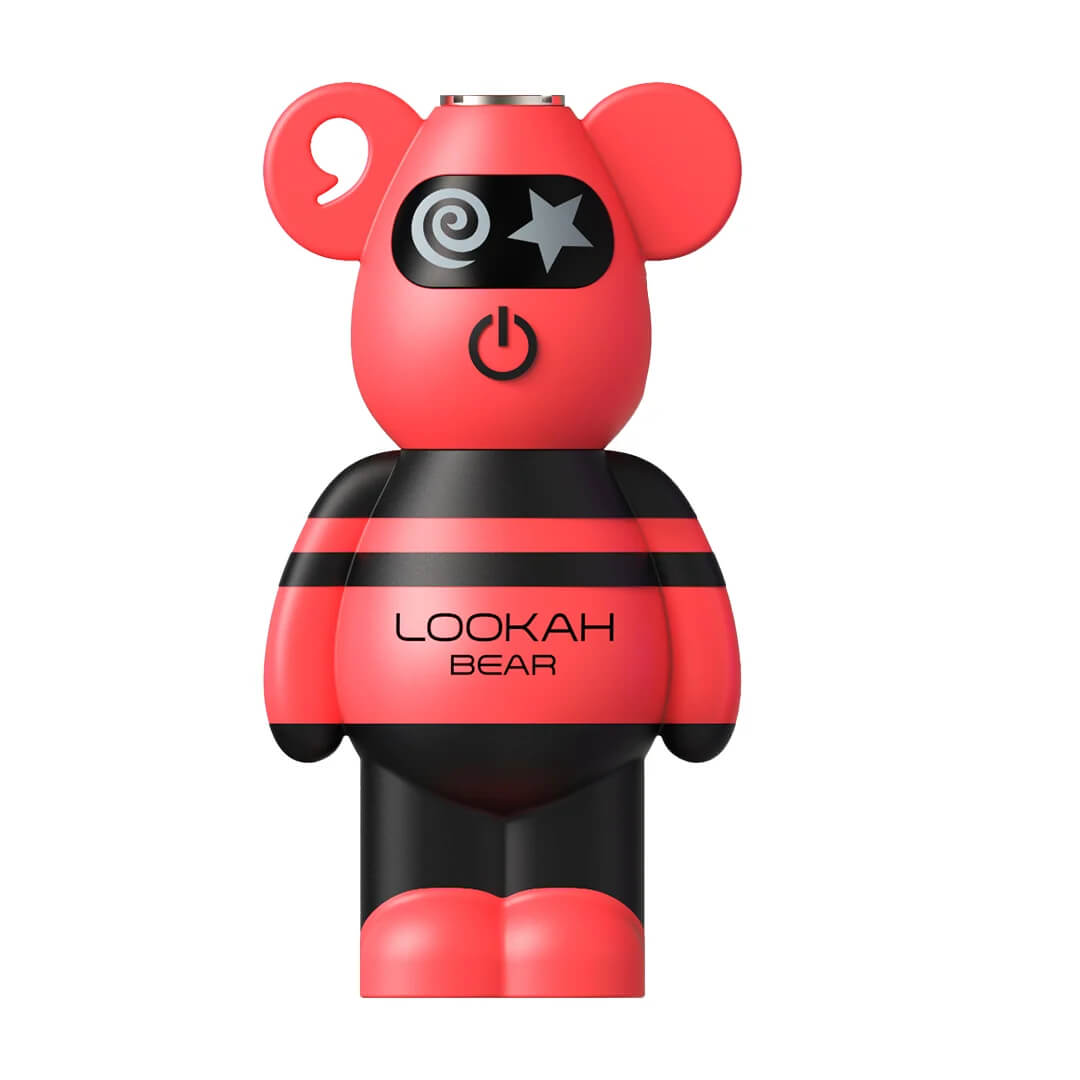
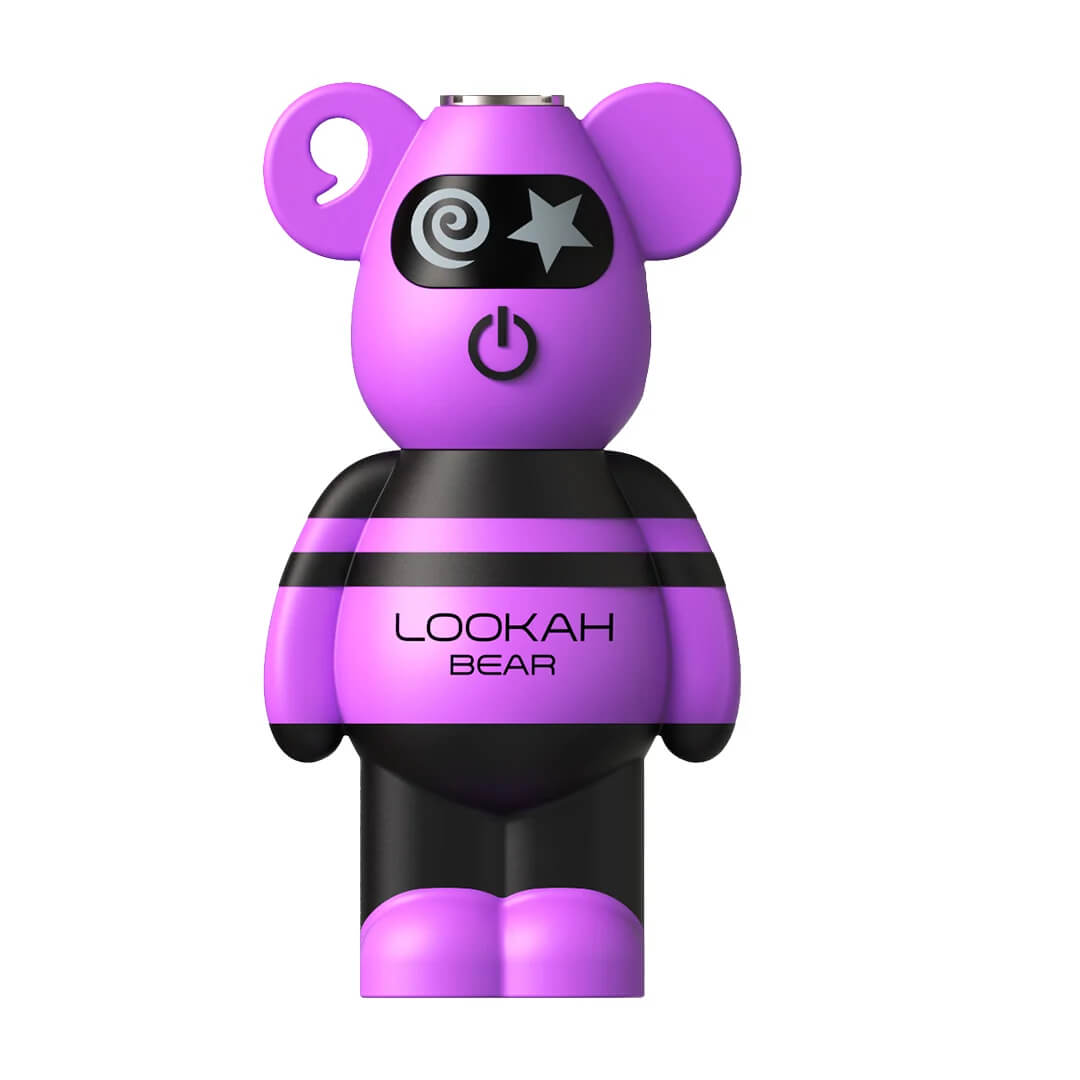
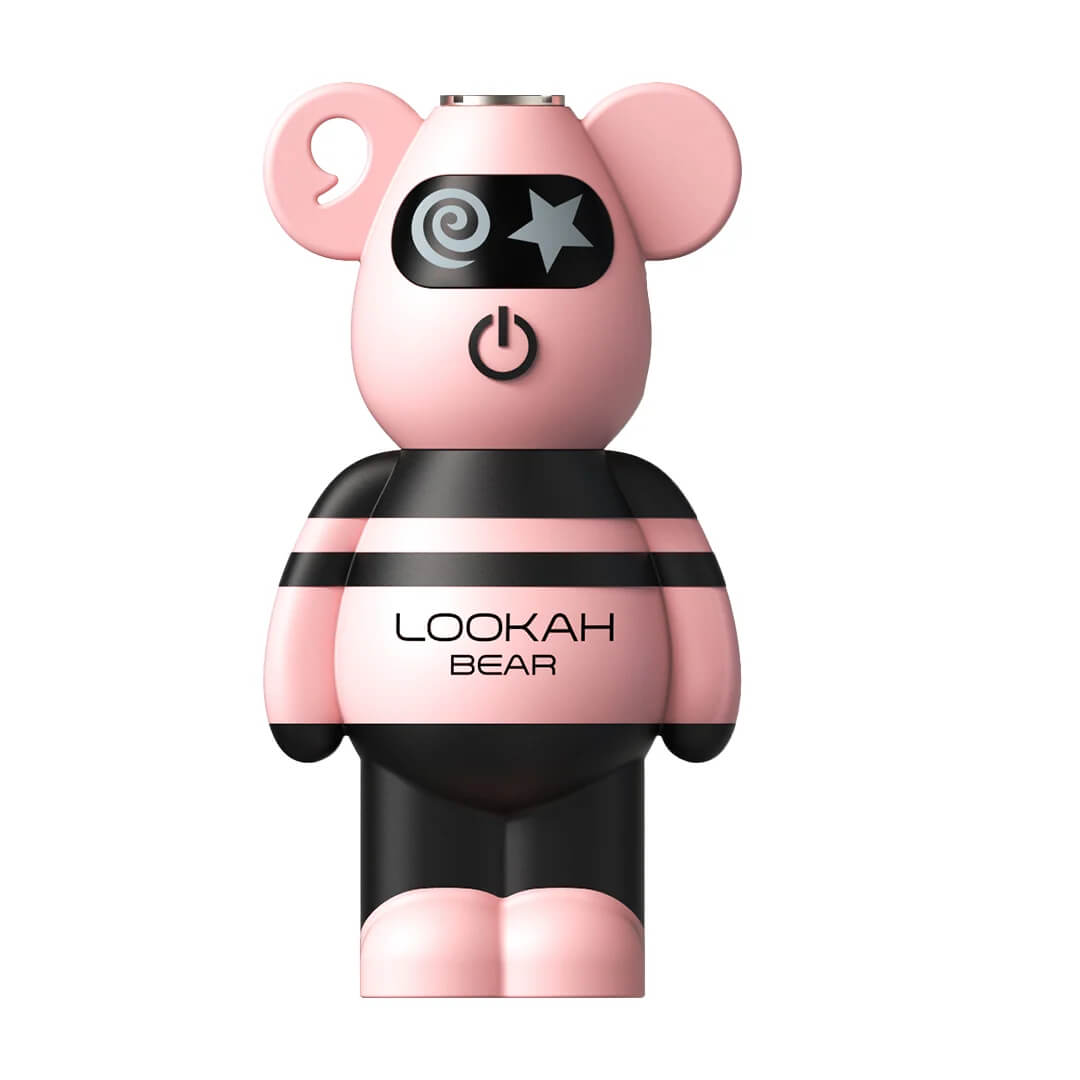
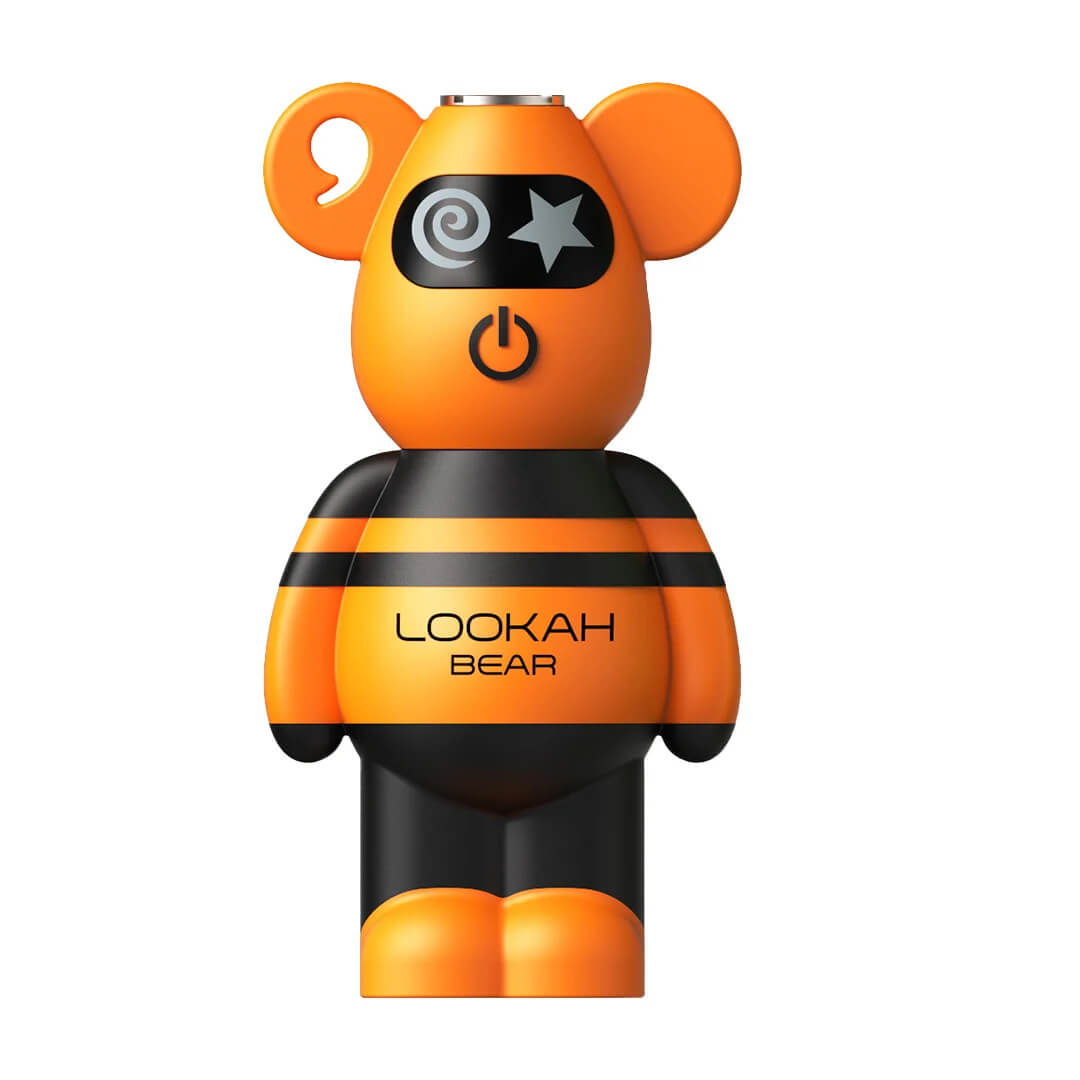
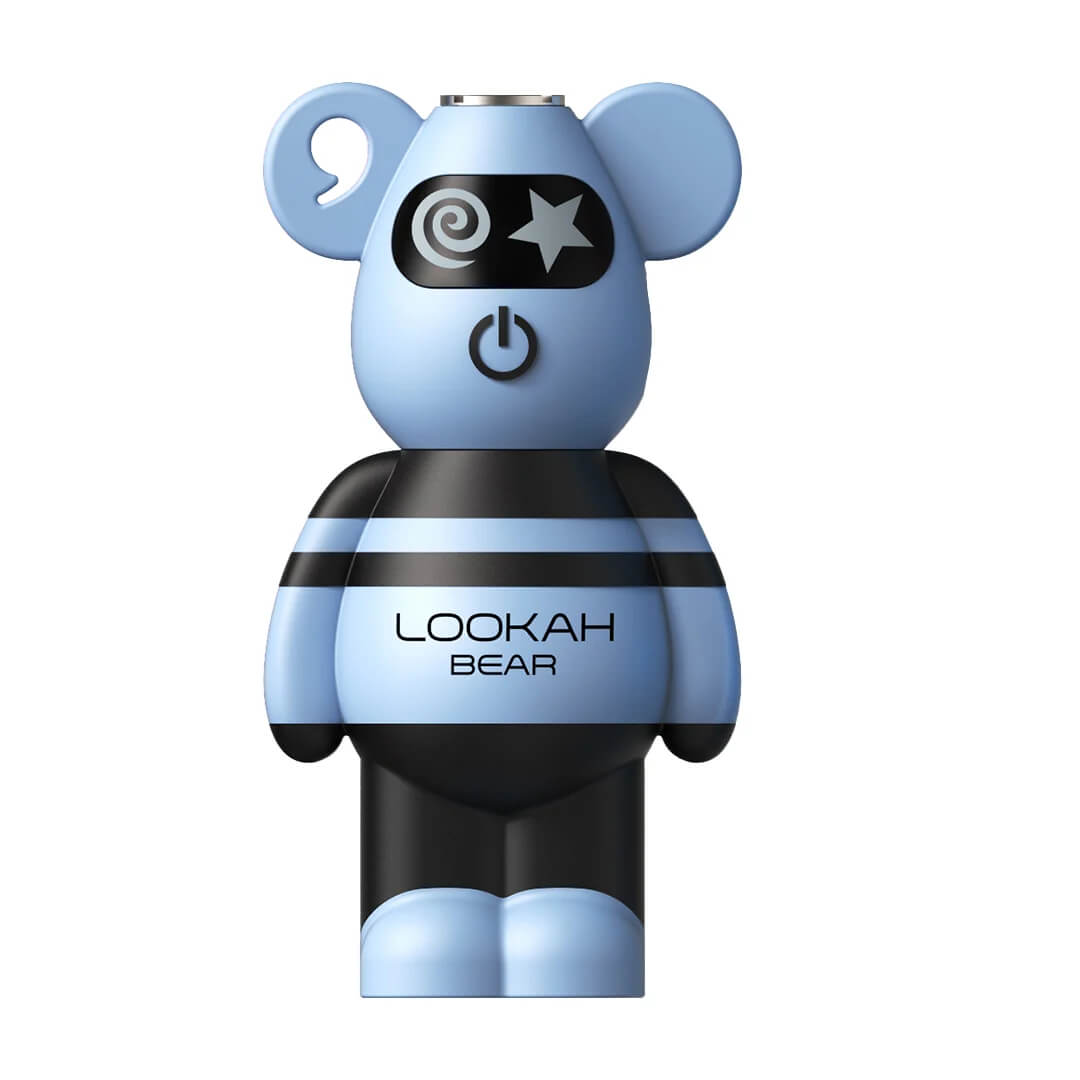
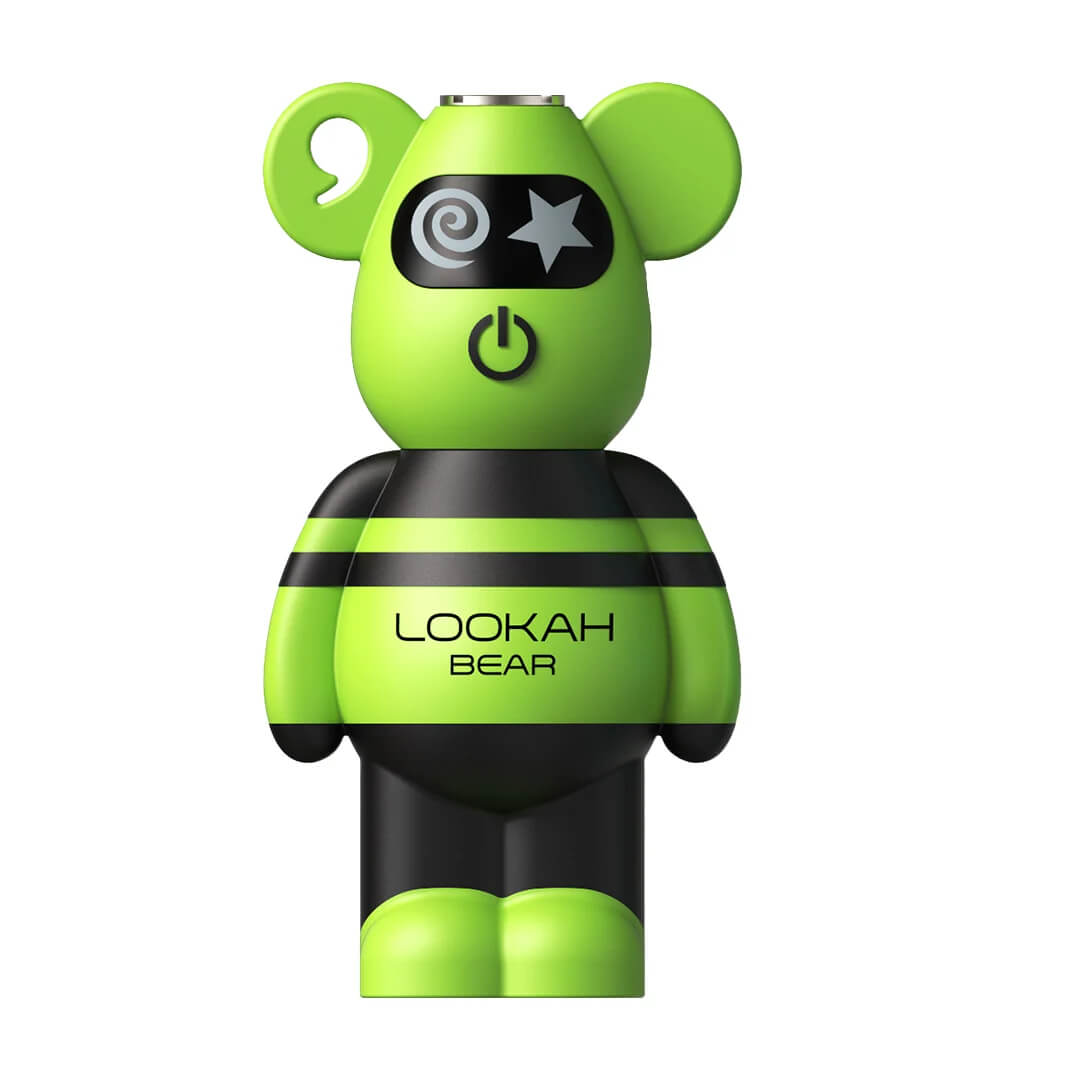
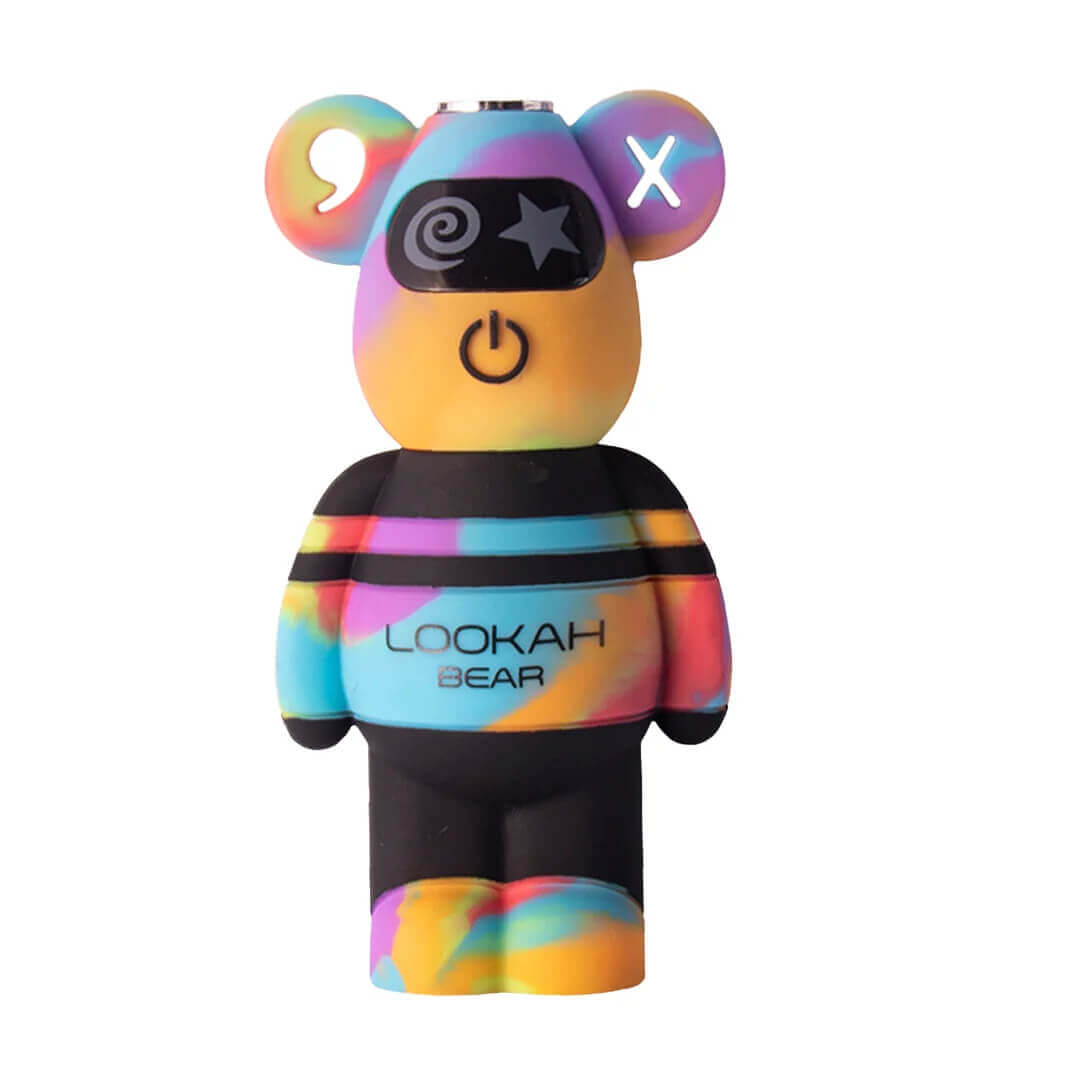
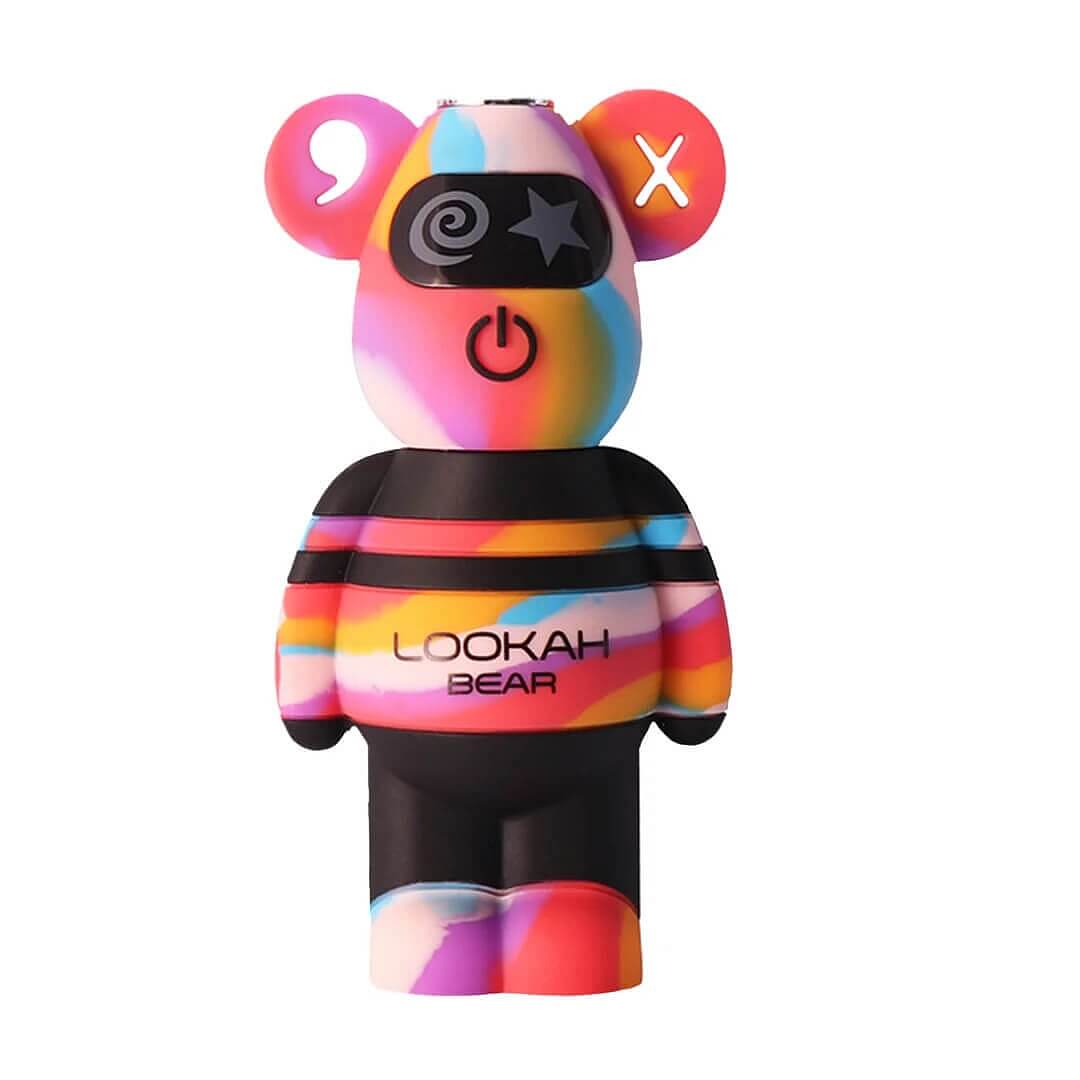
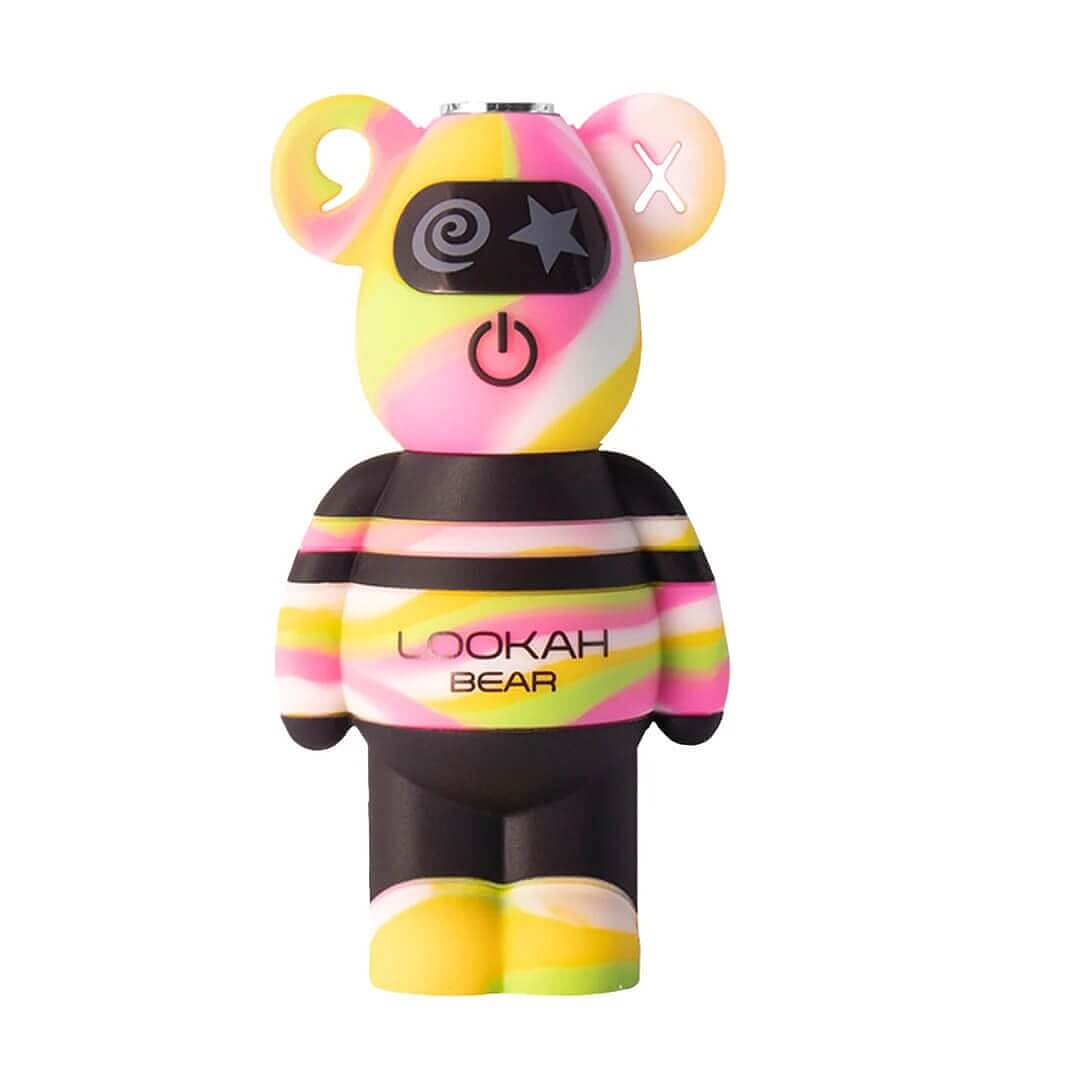
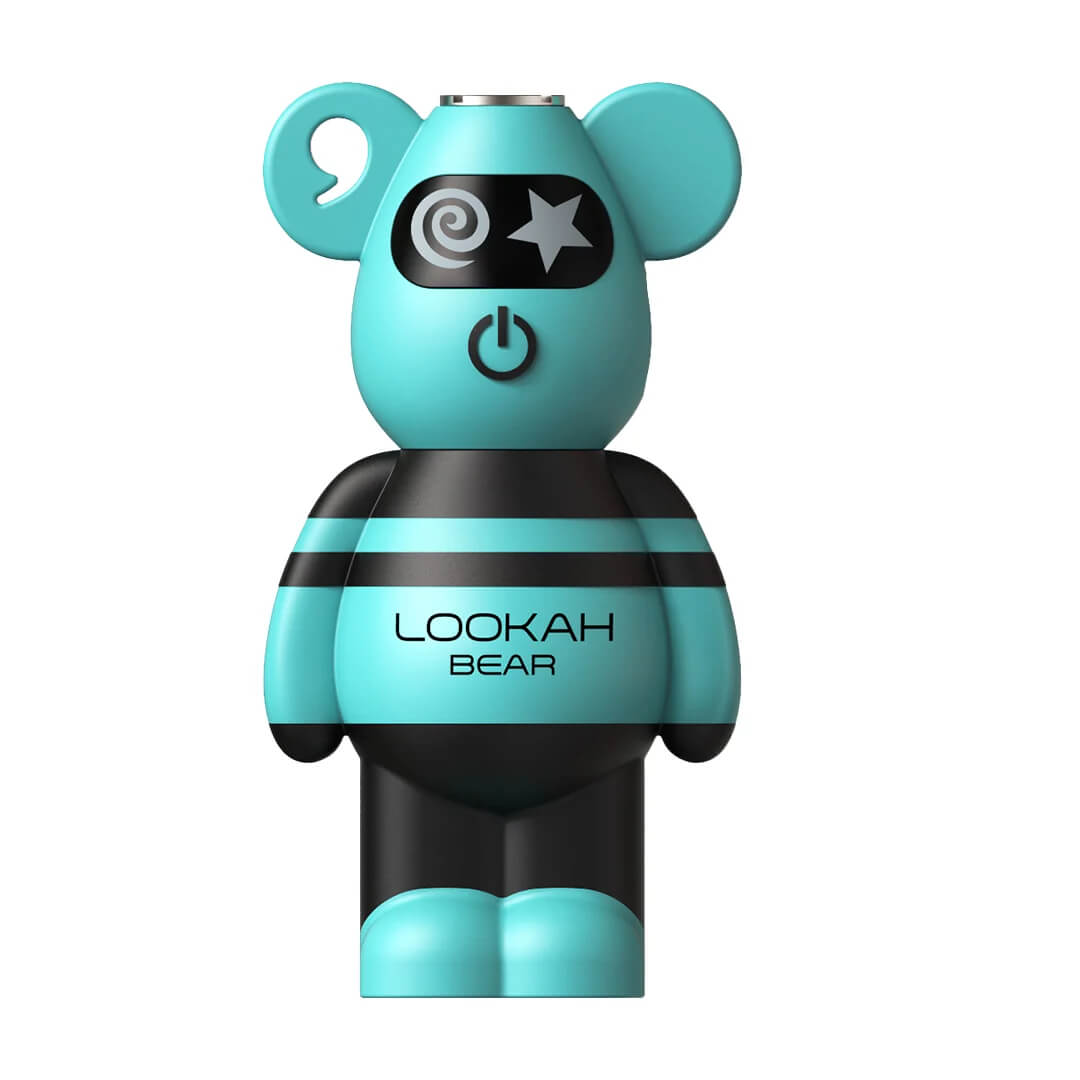
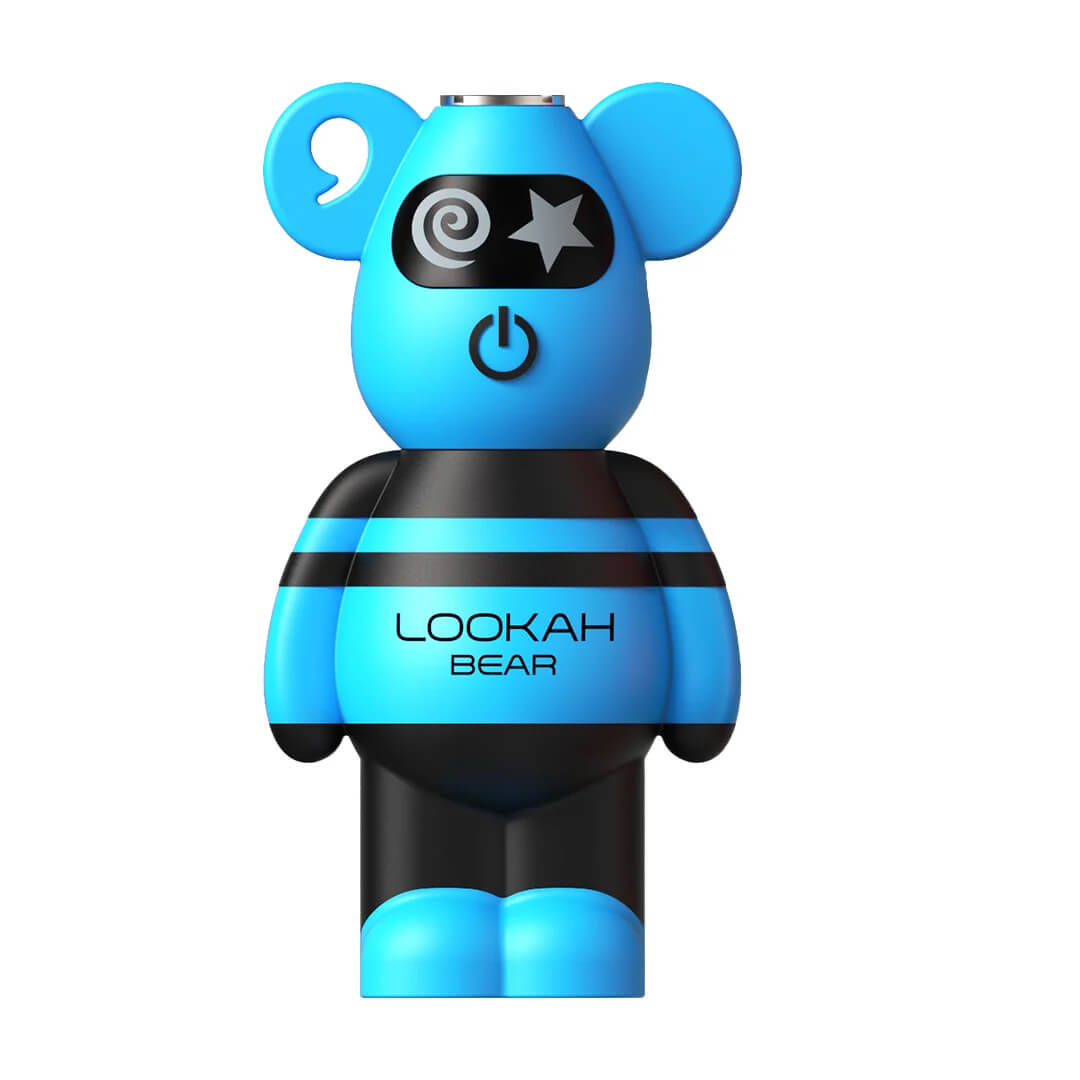
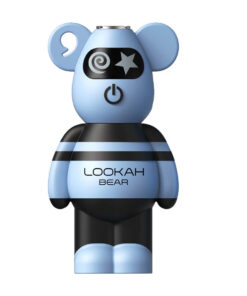
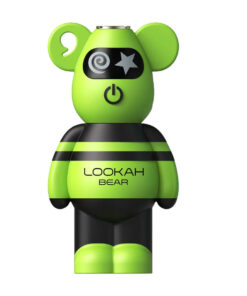
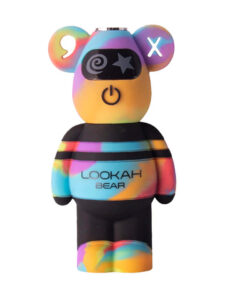
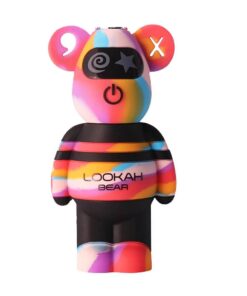
The Lookah Bear is a cute, bear-shaped 510 thread battery with a soft silicone body, built for standard 510 oil cartridges.
- 500mAh battery with USB-C charging
- 5 voltage settings from 2.4V to 4.0V, shown by LED color
- 4-light battery level indicator on the back
- 10-second safety cutoff
- Fits standard 510 carts and Lookah wax atomizers
Fast Shipping
Warranty
We are an Authorized Reseller
Full warranty included
Description
Lookah Bear 510 Battery: The Cutest Cart Battery
The Lookah Bear is a 510 thread battery shaped like a little bear, with a soft, food-grade silicone body that is comfortable to hold and easy to carry. It packs a 500mAh battery, five voltage settings from 2.4V to 4.0V and USB-C charging, and it works with standard 510 oil cartridges.
Authorized Lookah retailer · Genuine Lookah product · Live USD price: $19.99
Price checked October 6, 2026
Lookah Bear Settings: Voltage Colors
Press the button twice to cycle through the five voltage settings. The light on the bear’s face changes color so you always know which setting you are on.
| Light color | Voltage | Best for |
|---|---|---|
| Green | 2.4V | Most flavor, thin oils and live resin |
| Blue | 2.8V | Smooth everyday hits |
| Purple | 3.2V | Balance of flavor and vapor |
| Cyan | 3.6V | Thicker oils, more vapor |
| White | 4.0V | Biggest hits |
Lookah’s current Bear has five settings. Some earlier Bear batteries had only three; if yours only shows green, blue and purple, it is an earlier version.
Lookah Bear Light Colors Meaning
| Light | What it means | What to do |
|---|---|---|
| 3 blinks when you turn it on | The battery is now on | Press and hold to vape |
| 4 lights on the back | Battery level, about 25% per light | Charge when only one light is left |
| Pulsing red (face) | Charging | Leave it plugged in |
| Solid blue (face) | Fully charged | Unplug and go |
| Flashes 5 times after about 10 seconds of holding | 10-second safety cutoff | Let go, then press again |
| Flashing yellow or white | Connection problem between the battery and cart | See the blinking yellow fixes below |
Lookah Bear Blinking Yellow? How to Fix It
A flashing yellow or white light almost always means the battery is not making good contact with the cartridge. Work through these steps:
- Re-seat the cart: unscrew it and screw it back on until it is snug. Don’t overtighten; that can push the center pin down.
- Clean the threads: wipe the 510 connection on the battery and the bottom of the cart with a cotton swab and a little isopropyl alcohol. Let it dry.
- Try another cartridge: if a different cart works, the first cart is the problem, not the battery.
- Charge it: a low battery can also cause problems. Plug it in until the face light turns blue.
- Still blinking? Contact us or Lookah support (links below) so we can help.
How to Use the Lookah Bear
- Charge it fully before your first use.
- Attach a cart: twist a 510 cartridge on clockwise until snug.
- Turn it on: press the button 5 times quickly. The light blinks 3 times.
- Pick a setting: press twice to cycle through the five colors.
- Vape: press and hold the button while you inhale (up to about 10 seconds).
- Turn it off: press 5 times quickly.
Thick oil? Lookah does not list a preheat mode for the Bear. Give the button a few short taps on a low setting to warm the oil, then take your draw.
Charging the Lookah Bear
Plug a USB-C cable into the Bear and connect it to a 5V USB port. The face light pulses red while charging and turns blue when it is full, which takes about 1 to 1.5 hours.
What Cartridges Fit?
The Bear has a standard 510 thread connection, so it works with most 510 oil cartridges and with Lookah 510 wax atomizers.
Lookah Bear vs Lookah Cat vs Lookah Egg
| Lookah Bear | Lookah Cat | Lookah Egg | |
|---|---|---|---|
| Price (USD) | $19.99 | $19.99 | $24.95 |
| Battery | 500mAh | 750mAh | 350mAh |
| Voltage | 5 settings, 2.4V–4.0V | 5 settings, 2.4V–4.0V | 5 settings, 2.4V–4.0V |
| Preheat | Not listed | 10 seconds | See product page |
| Charging | USB-C | USB-C | USB-C |
| Best for | A cute, soft-touch everyday battery | Longest battery life | The smallest battery |
Lookah Bear Specifications
| Spec | Lookah Bear |
|---|---|
| Battery | 500mAh |
| Voltage | 5 settings: 2.4V, 2.8V, 3.2V, 3.6V, 4.0V |
| Connection | Standard 510 thread |
| Charging | USB-C, 5V input, about 1 to 1.5 hours |
| Battery indicator | 4 lights on the back |
| Safety | 10-second cutoff |
| Size | 80 × 42 × 28.6 mm |
| Material | Food-grade silicone |
| Use with | 510 oil cartridges and Lookah 510 wax atomizers |
What’s in the Box
- 1 × Lookah Bear 510 battery
- 1 × User manual
Helpful Resources
- How to unclog a cart
- All 510 thread batteries · Shop all Lookah
- City Vaporizer: submit a retailer support ticket
- Lookah support ticket
Lookah Bear FAQ
What is the Lookah Bear?
The Lookah Bear is a cute, bear-shaped 510 thread battery for oil cartridges. It has a 500mAh battery, five voltage settings from 2.4V to 4.0V, a soft food-grade silicone body and USB-C charging.
How do I use the Lookah Bear?
Charge it fully, screw on a 510 cartridge, then press the button 5 times quickly to turn it on (the light blinks 3 times). Press twice to change the voltage, and press and hold the button while you inhale. Press 5 times again to turn it off.
Why is my Lookah Bear blinking yellow?
A flashing yellow or white light usually means a connection problem between the battery and the cartridge. Screw the cart on snugly but not too tight, wipe the 510 threads on the battery and cart with a cotton swab and isopropyl alcohol, and try a different cartridge. If the battery is low, charge it.
Why does my Lookah Bear blink 5 times?
The Bear has a 10-second safety cutoff. If you hold the button for about 10 seconds, the light flashes 5 times and the battery stops heating. Let go and press again. If it flashes 5 times as soon as you press the button, check the cartridge connection.
What do the lights mean on a Lookah Bear?
The front light shows the voltage: green 2.4V, blue 2.8V, purple 3.2V, cyan 3.6V and white 4.0V. The four lights on the back show the battery level, about 25% each. While charging, the face pulses red and turns blue when the battery is full.
Why does my Lookah Bear have a blue light when I charge it?
A solid blue light on the face while it is plugged in means the battery is fully charged. While it is still charging, the face pulses red.
What are the Lookah Bear settings?
The current Lookah Bear has five voltage settings: green 2.4V, blue 2.8V, purple 3.2V, cyan 3.6V and white 4.0V. Press the button twice to change settings. Start low for flavor and turn it up for bigger hits.
Does the Lookah Bear have a preheat?
Lookah does not list a preheat mode for the Bear. To loosen thick oil, give the button a few short taps on a low setting before you take a full draw. If you want a 10-second preheat, look at the Lookah Cat.
Why is my Lookah Bear not hitting?
Make sure it is turned on and charged, then check the cartridge connection: screw the cart on snugly, clean the 510 threads and try another cart. A clogged cartridge can also stop the hit, so try a different cart before deciding the battery is the problem.
How long does the Lookah Bear take to charge?
About 1 to 1.5 hours with a USB-C cable and a 5V USB port.
Is City Vaporizer an authorized Lookah retailer?
Yes. City Vaporizer is an authorized Lookah retailer, so your Lookah Bear is genuine and covered by the manufacturer warranty.